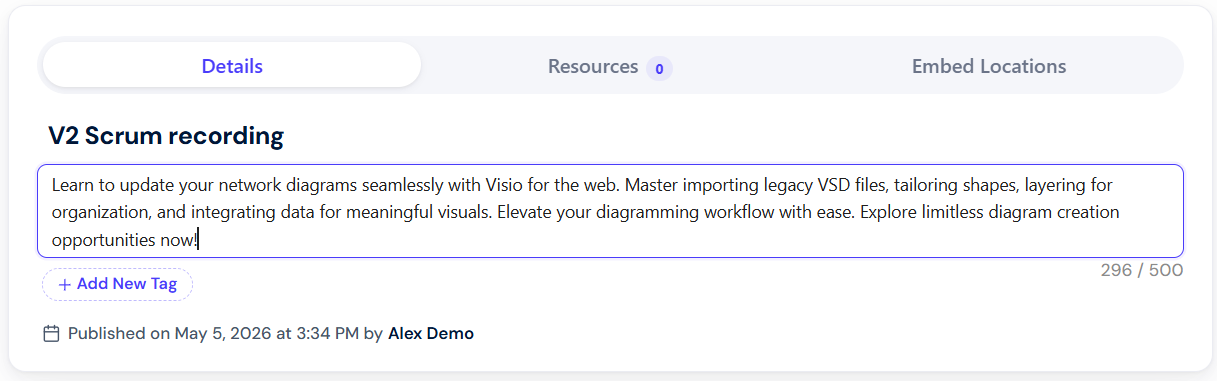
Dadan allows users to add Descriptions to their videos. This feature helps provide context, summarize key points, and make your content more informative for viewers. It’s part of the built-in dadan AI Assistant features, designed to simplify workflow and save time on manual edits.
- Note: All AI Assist features rely on the video AI Transcript. You’ll need to generate the transcript first, as it provides the foundation for other tools.
Steps to create a dadan video AI Description #
After generating a video AI transcript, dadan allows users to create an AI Description:
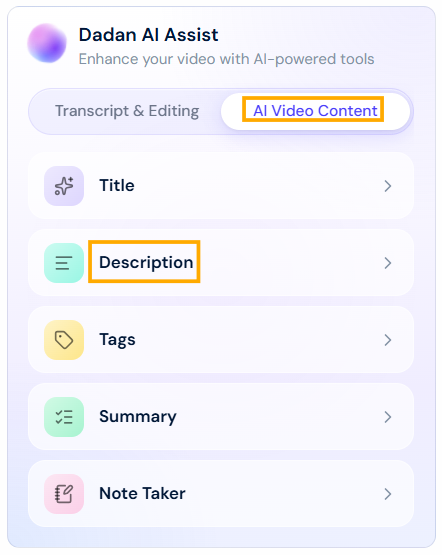
- In the Dadan AI Assist box, click the Description button under AI Video Content.
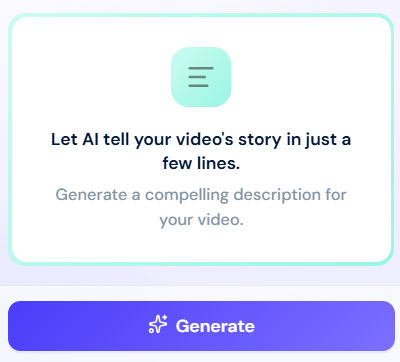
- Click Generate and wait for the description to generate.
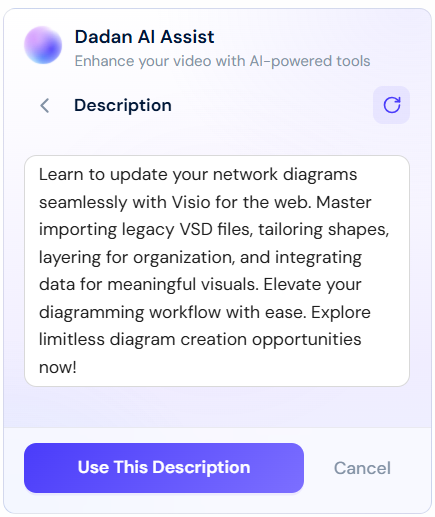
- A generated description box will appear.
Select one of these options:- Use This Description.
- Cancel.
- Try another.
- The added description will appear in the Description section below the video. You can edit it manually.