Dadan allows users to generate and add tags to their videos. This feature helps categorize content, making it easier to organize and search for related videos. It’s part of the built-in dadan AI Assistant features, designed to simplify workflow and save time on manual edits.
- Note: All AI Assist features rely on the video AI Transcript. You’ll need to generate the transcript first, as it provides the foundation for other tools.
Steps to create a dadan video AI Tags #
After generating a video AI Transcript, dadan allows users to create AI Tags:
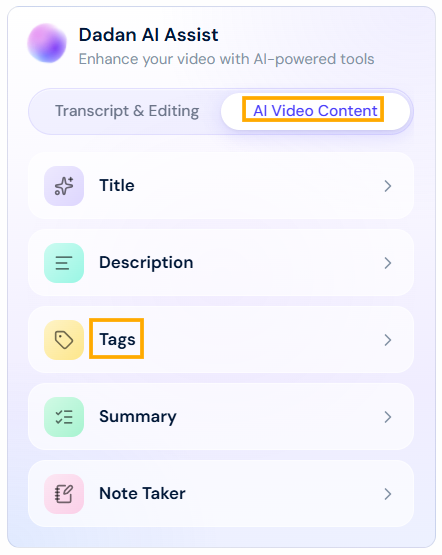
- In the Dadan AI Assist box, click the Tag button under AI Video Content.
- Click Generate and wait for the Tags to generate.

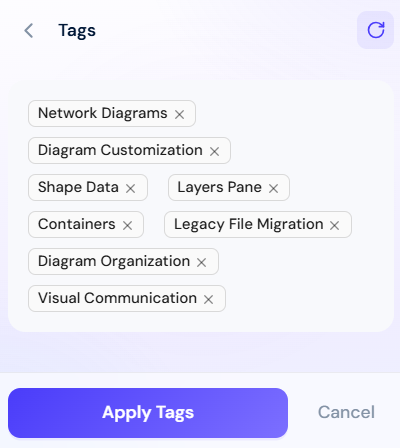
- A list of AI-suggested tags will appear. Exclude the ones you don’t want, then click Apply Tags.
- You can’t apply more than 8 tags per video.
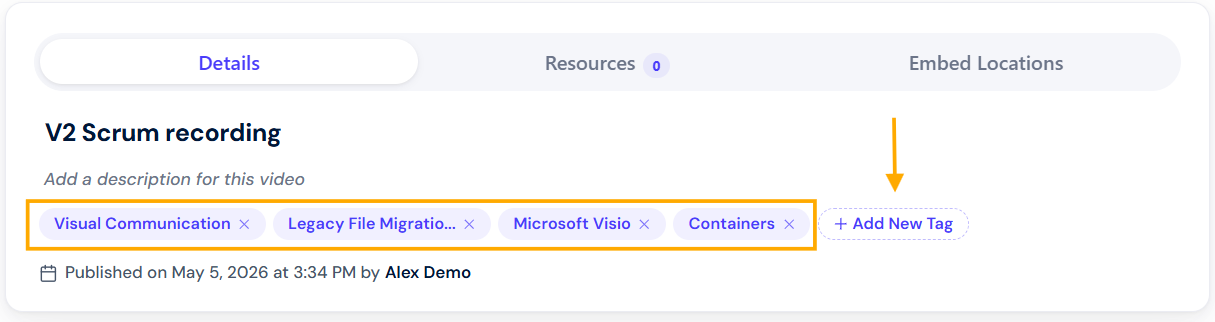
- The added tags will appear in the Tags section below the video.
- You can add more tags manually by using the Add New Tag button.