
If your webcam feed does not follow when switching tabs, the issue is usually related to recorder limitations or capture selection. Use the fixes below to ensure consistent webcam behavior.
Quick fixes #
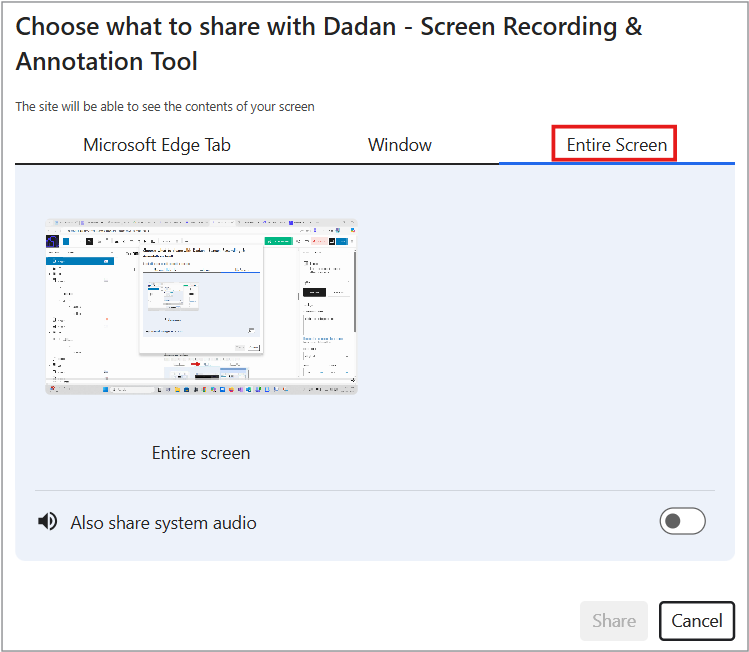
- Select “Entire Screen” when recording:
When starting the recording, select Entire Screen rather than a single tab or window to enable seamless tab switching.
- Update the extension:
Make sure you are using the latest version of the dadan extension. Updates include improvements to webcam handling across tab changes.
- Switch to the desktop recorder:
If selecting Entire Screen in the dadan extension did not solve the problem, recording directly with the dadan desktop app yields more stable webcam behavior when switching between browser tabs.
These steps help maintain a continuous webcam feed while moving between tabs during a recording.


