
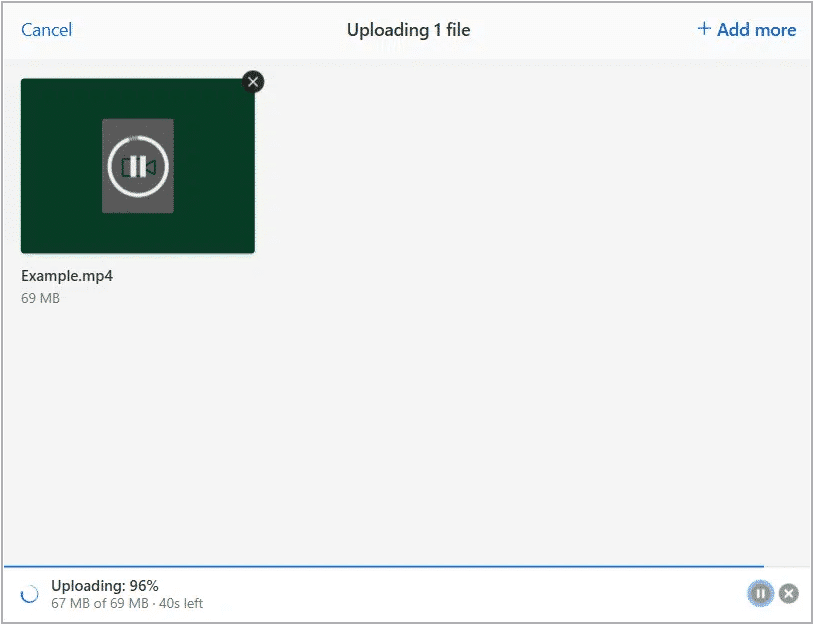
If your upload stalls near completion, the issue is usually caused by network interference or the recording tab being interrupted before the final upload step finishes. Use the fixes below to complete or recover your upload.
Quick fixes #
- Disable VPNs and ad blockers:
Disable VPN connections and ad-blocking extensions, as they can disrupt the final upload handshake.
- Keep the upload tab open:
Do not close, refresh, or background the tab until the upload reaches 100% and completes successfully.
- Reupload the file:
If the upload remains stuck, reupload the file again.
These steps typically resolve stalled uploads and ensure your recording is safely saved.


