
If your recording stops unexpectedly, it is usually due to memory pressure, network interruptions, or browser background restrictions. Apply the fixes below to prevent the issue and, where possible, recover your recording.
Quick fixes #
- Close heavy applications:
Shut down memory-intensive apps and browser tabs. The browser may throttle or suspend recording when system memory is low.
- Switch to the browser recorder:
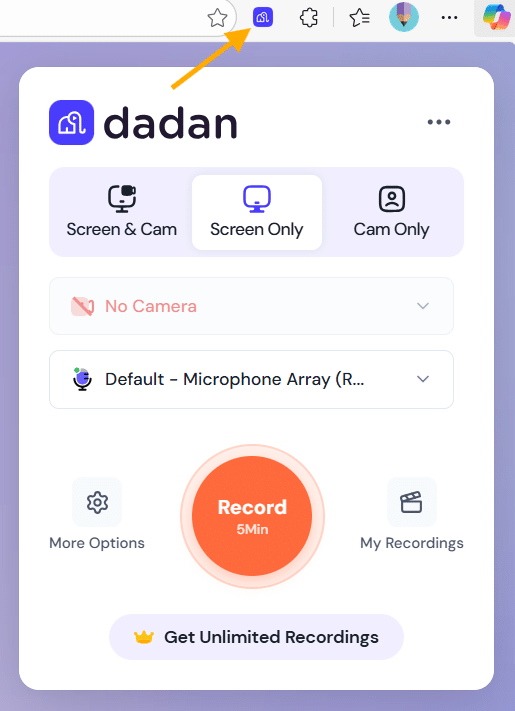
If you are using the desktop app, try recording directly from the dadan browser extension recorder for better stability during longer sessions.
- Disable your VPN:
VPN connections can interrupt the upload handshake, causing the recorder to stop unexpectedly.
- Update the extension:
Make sure you are using the latest version of the dadan extension to avoid known bugs or compatibility issues.
- Keep the recording tab open:
Do not close or background the recording or upload tab until the upload is fully complete.
Following these steps significantly reduces unexpected recording interruptions and helps preserve your content when they occur.


