
Want to supercharge your marketing workflows with video? With dadan, you can publish videos directly to popular marketing tools. This document walks you through the simple steps to seamlessly integrate and share your dadan video content, boosting engagement and saving time.
Dadan supported marketing tools #
Easily publish dadan videos to your favorite marketing tools to automate campaigns, manage leads, and boost engagement. Here’s a list of supported marketing platforms:
- HubSpot: Push video leads into HubSpot for CRM integration and marketing automation.
- Mailchimp: Sync video leads with Mailchimp for targeted email marketing campaigns.
- ActiveCampaign: Nurture video leads with automated email workflows in ActiveCampaign.
- Brevo: Personalize campaigns by sending video leads to Brevo.
- Ontraport: Automate sales funnels with video leads in Ontraport.
- Campaign Monitor: Drive data-driven email campaigns with video leads in Campaign Monitor.
- Sendlane: Automate email and SMS workflows with video leads in Sendlane.
- GetResponse: Streamline email and SMS marketing by sending video leads to GetResponse.
- SendFox: Automate email outreach with video leads in SendFox.
- MailerLite: Simplify email marketing automation with video leads in MailerLite.
- GoHighLevel: Enhance CRM engagement by pushing video leads to GoHighLevel.
Accessing marketing integrations #
To open dadan integration marketing tools:
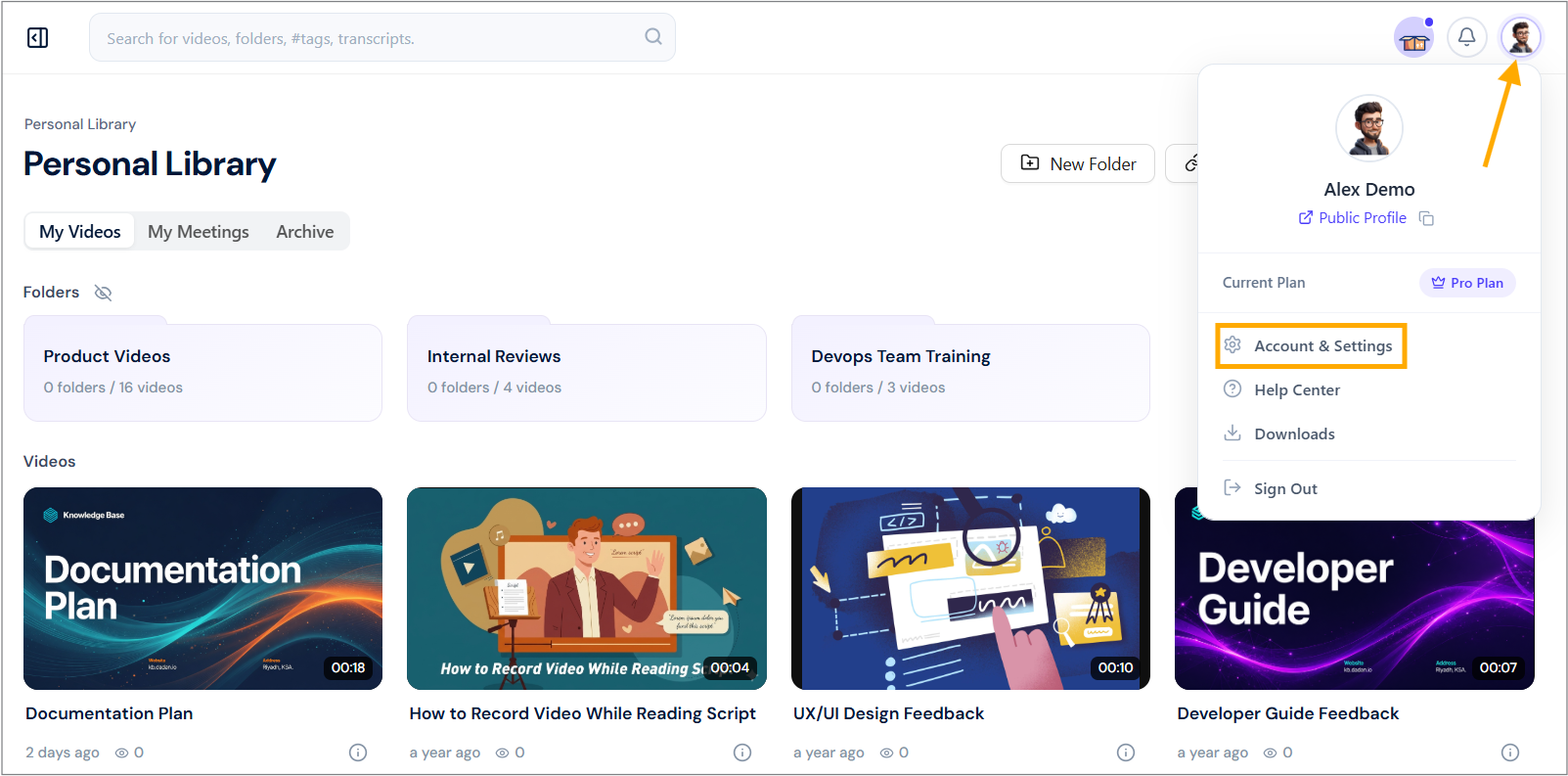
- Navigate to your dadan account and click your profile icon in the top right corner.
- Select Account & Settings from the dropdown menu.
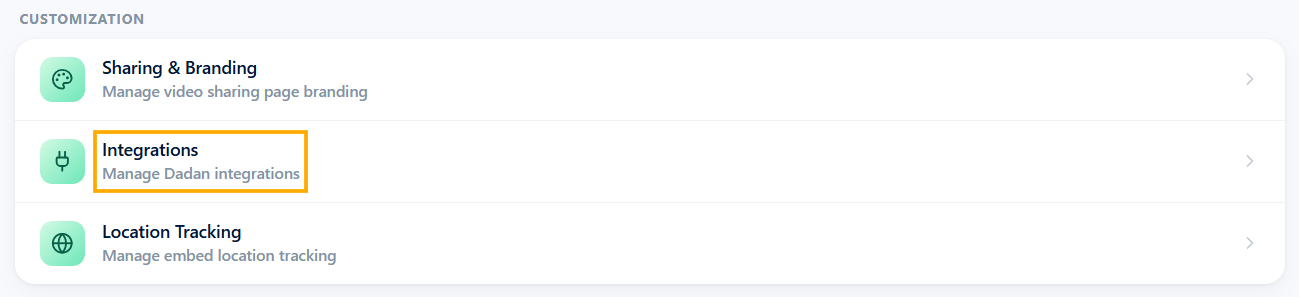
- In the Customization section, click the Integrations option.
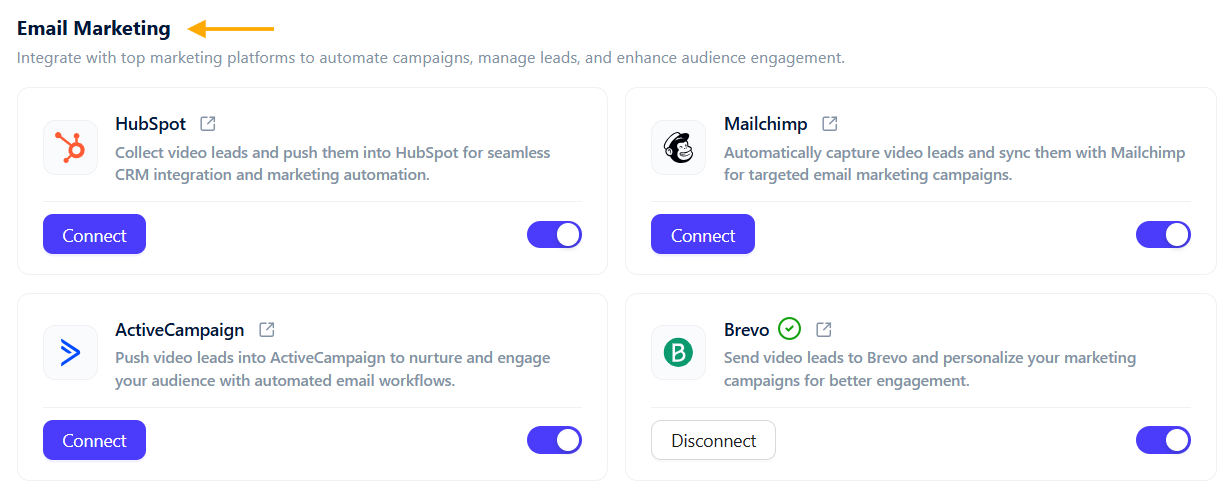
- In the Email Marketing section, view available marketing tools.
Steps to integrate dadan a marketing tool #
To integrate dadan with your marketing tool, do the following steps:
- Locate the marketing tool you want to integrate with (e.g., Mailchimp).
- Click the Connect button next to the tool to start the integration process.
- You need to obtain an API Key from the Marketing Tool.
- Open the API Key guide link in a new tab, read the instructions.
- Follow the steps to generate and copy your API key.
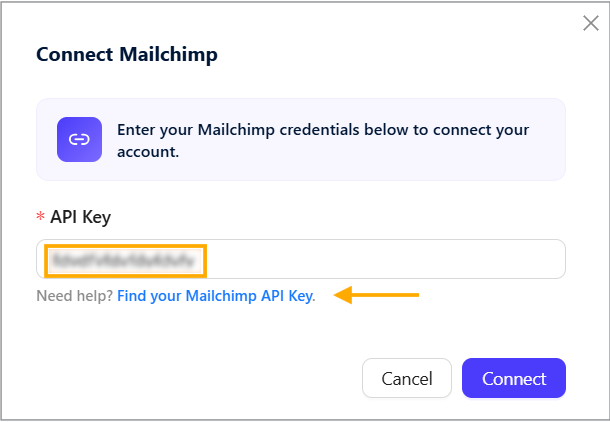
- Enter the API Key in the pop-up.
- Click Connect to link dadan with the marketing tool.
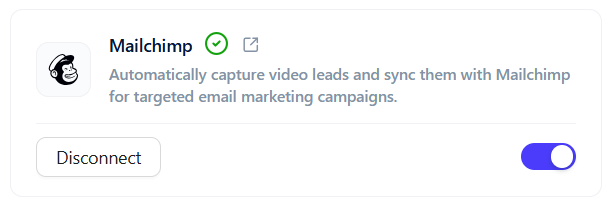
- Once successful, you’ll see a confirmation message at the top right of the dadan screen stating that the marketing tool has successfully connected!
- The status next to the marketing tool in the Email Marketing section will show a green checkmark, indicating active integration.
Other tools #
The process for most other marketing tools follows a similar pattern: obtain the API key from the respective platform and connect it via dadan’s Email Marketing settings.
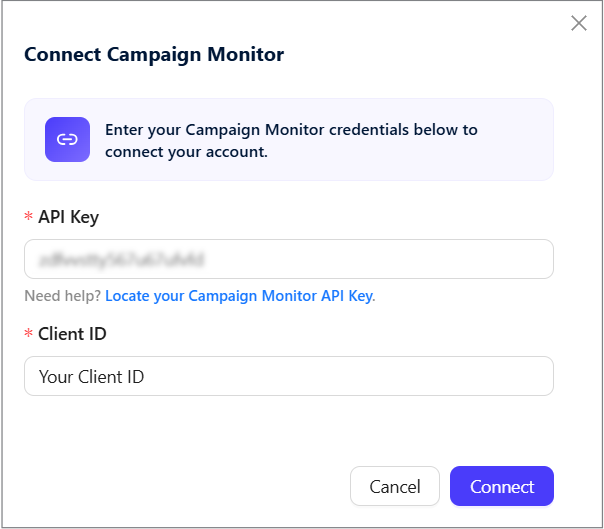
- Some tools need a client ID and the API key; you can obtain them similarly.
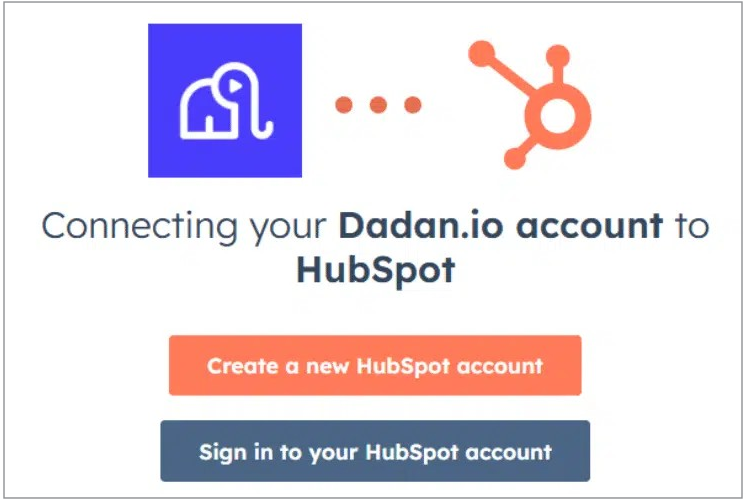
- Some tools don’t need an API key and can be connected directly to dadan via the tool account.
Now you’re ready to automatically push video leads from dadan into your marketing campaigns!


