
Unlock the power of seamless video marketing with the dadan and HubSpot integration. This guide provides step-by-step instructions for connecting dadan videos with HubSpot, enabling you to capture video leads, integrate them into your CRM, and automate marketing workflows to drive engagement and conversions.
Accessing marketing integrations #
To open the dadan HubSpot integration:
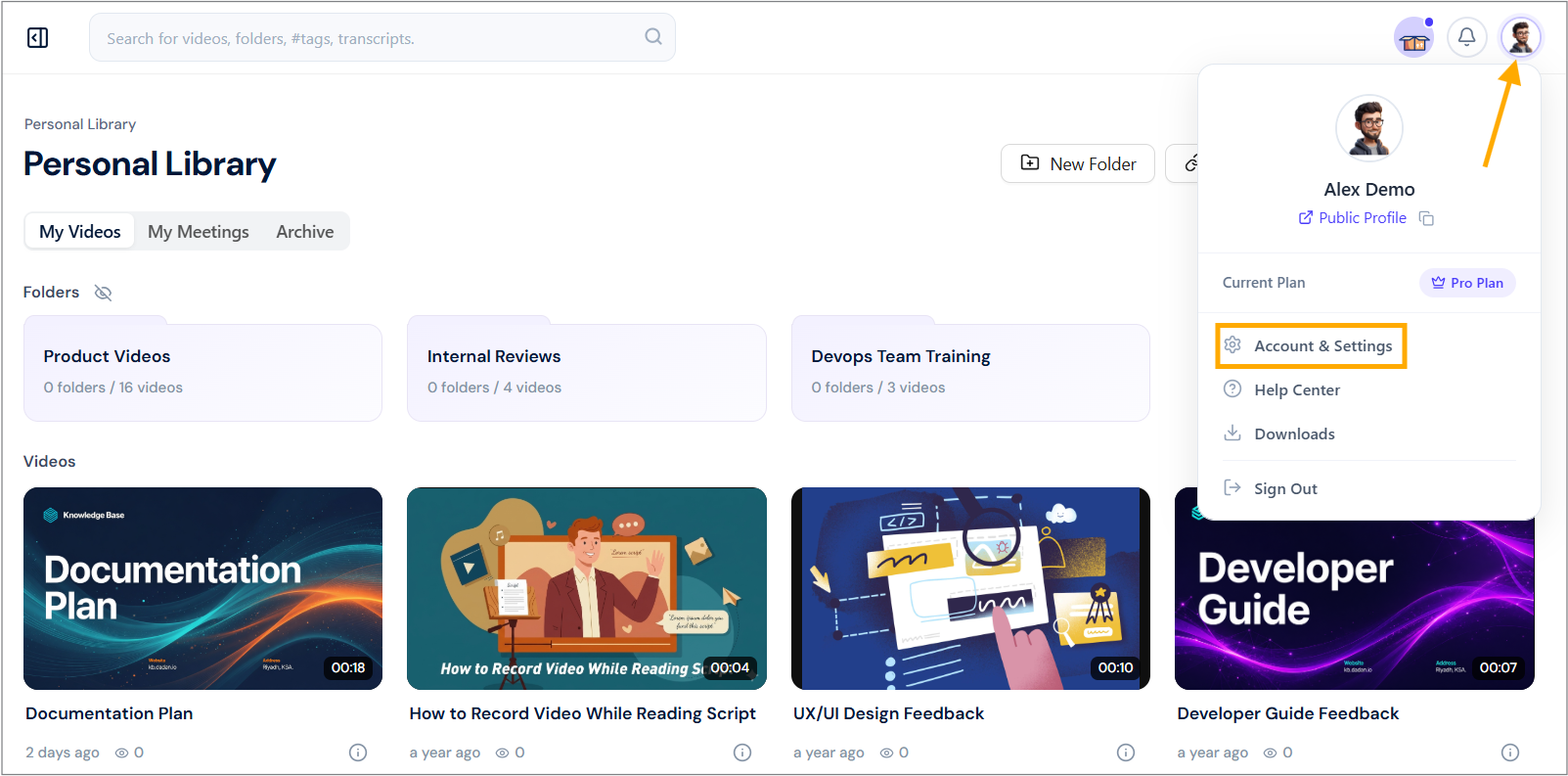
- Navigate to your dadan account and click your profile icon in the top right corner.
- Select Account & Settings from the dropdown menu.
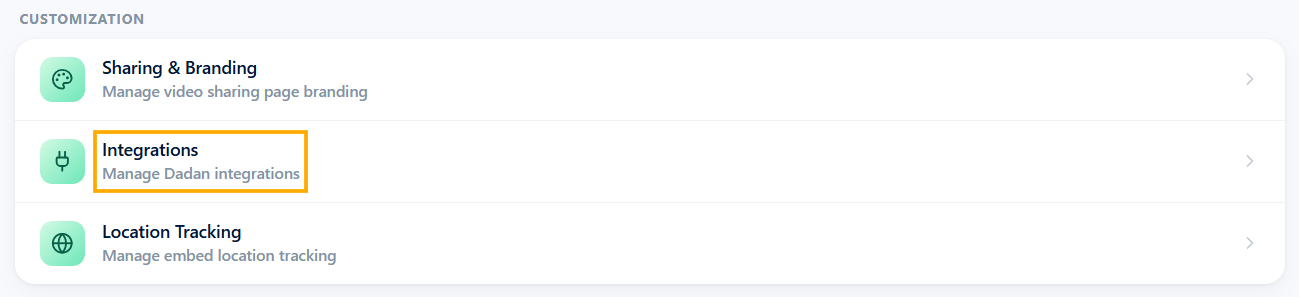
- In the Customization section, click the Integrations option.
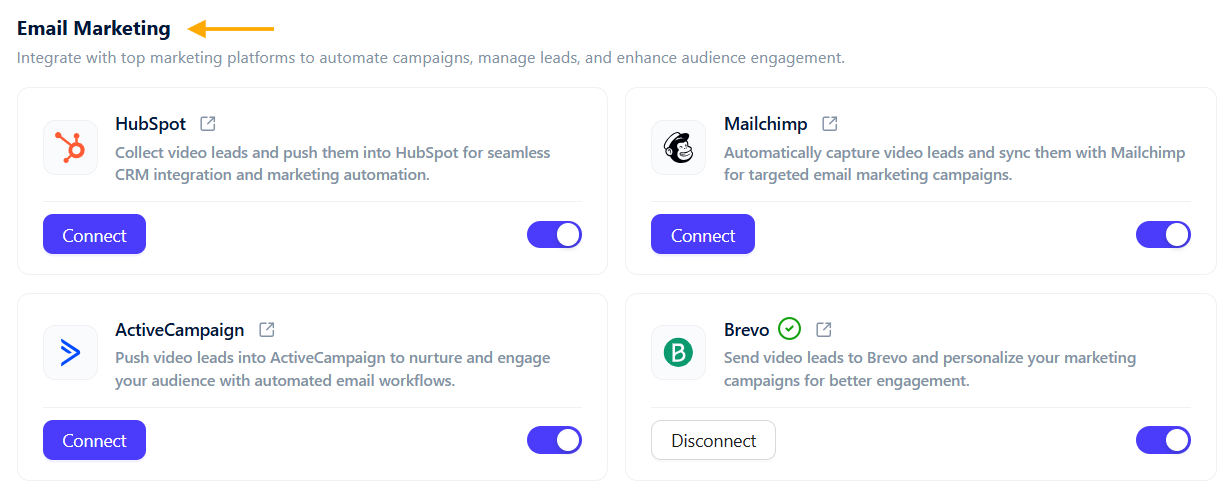
- In the Email Marketing section, view available marketing tools.
Steps to integrate dadan with HubSpot #
Now, to integrate dadan with your HubSpot account, do the following steps:
- Click the Connect button under HubSpot to start the integration process.
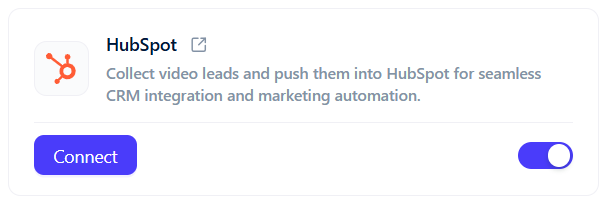
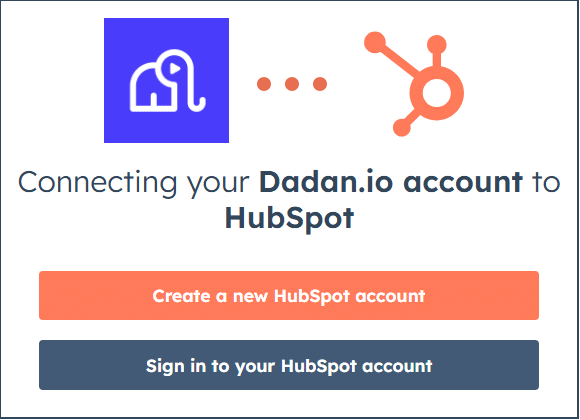
- In the HubSpot pop-up, sign in to your HubSpot account or create a new one.
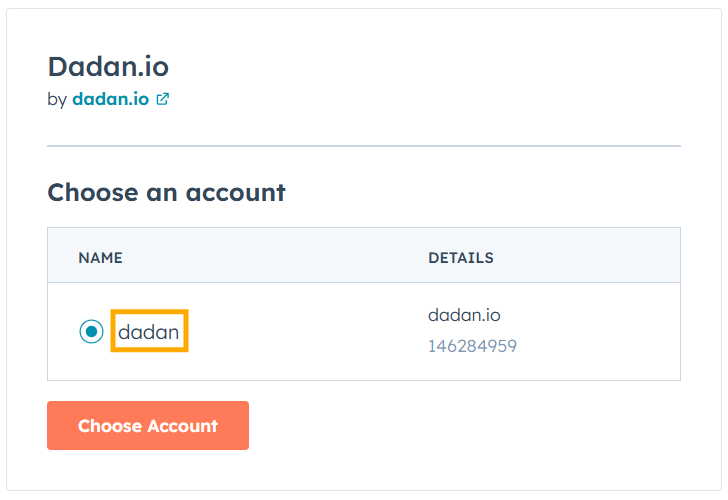
- Choose your HubSpot account name (e.g., dadan).
- Once successful, you’ll see a confirmation message at the top right of the dadan screen stating that HubSpot has successfully connected!
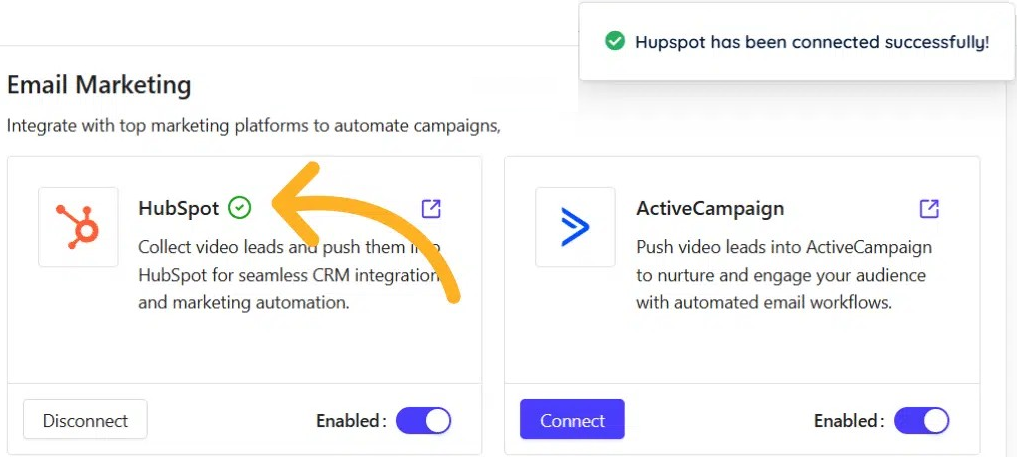
- The status next to HubSpot in the Email Marketing section will show a green checkmark, indicating active integration.
Send your dadan in-video leads to HubSpot #
Through integration, dadan enables you to effortlessly capture and manage your dadan video leads and send them directly to HubSpot. This section guides you through configuring dadan to sync in-video leads with your HubSpot CRM.
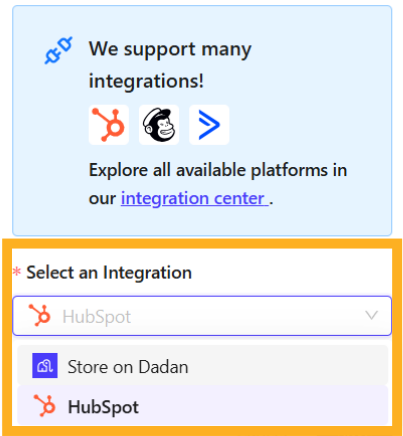
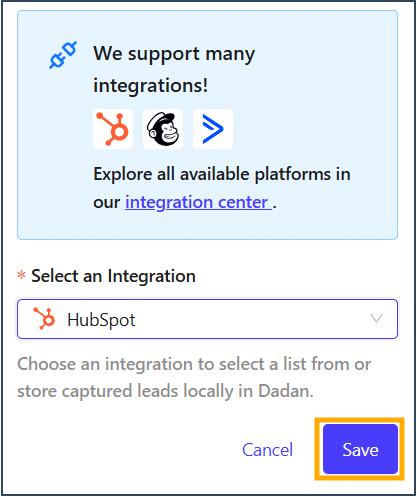
- In the dadan in-video leads settings, select the Select an Integration step.
- Select HubSpot from the menu to store collected leads.
- Click Save to apply the settings, then check the confirmation message.
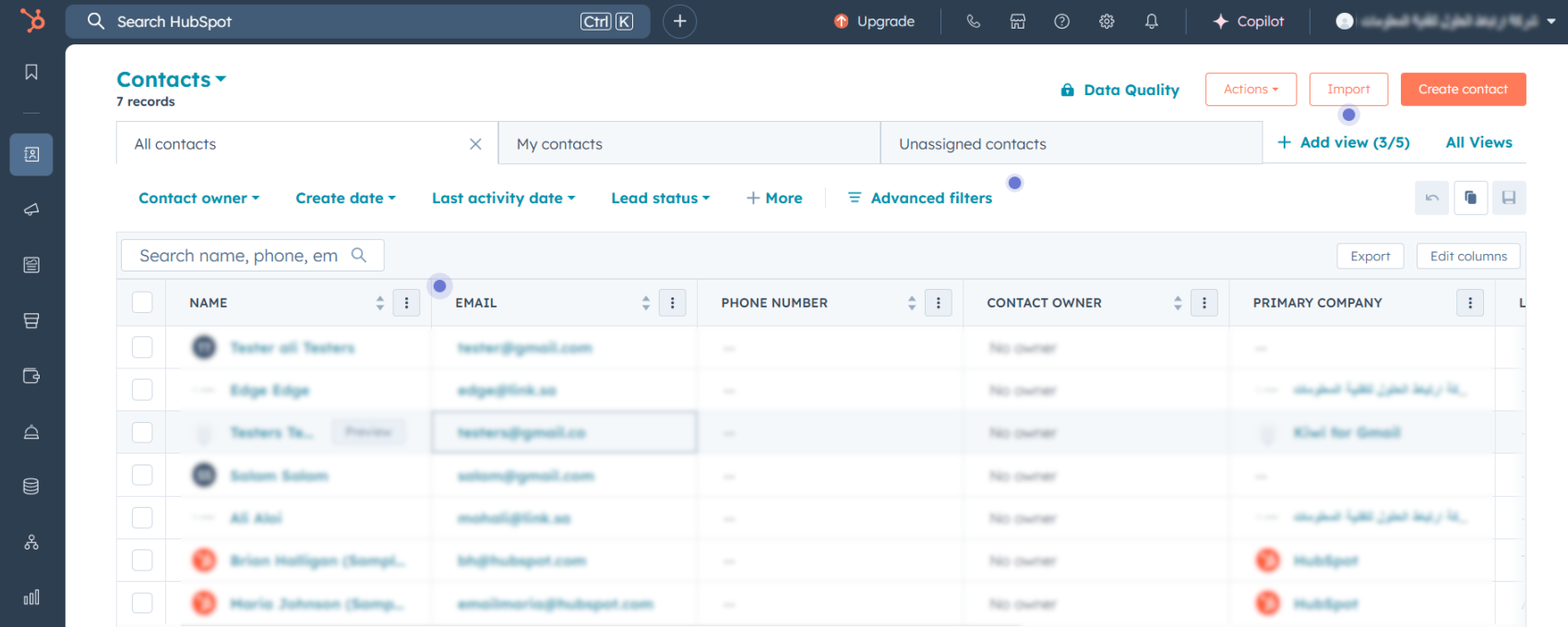
- Open the HubSpot platform, and you will find that your leads will be collected in the system.
Testing the HubSpot Integration #
- Connect your HubSpot account.
- Create or edit an in-video lead form.
- Select HubSpot under Select an Integration.
- Save the settings.
- Publish or open the video.
- Submit a test lead.
- Check the connected HubSpot account for the submitted lead.
If the Lead Does Not Appear in HubSpot #
- Confirm the HubSpot connection shows as active in Dadan.
- Confirm HubSpot is selected under the video’s lead-form integration.
- Save the lead-form settings again.
- Submit a new test lead.
- If the issue continues, contact Dadan support.


