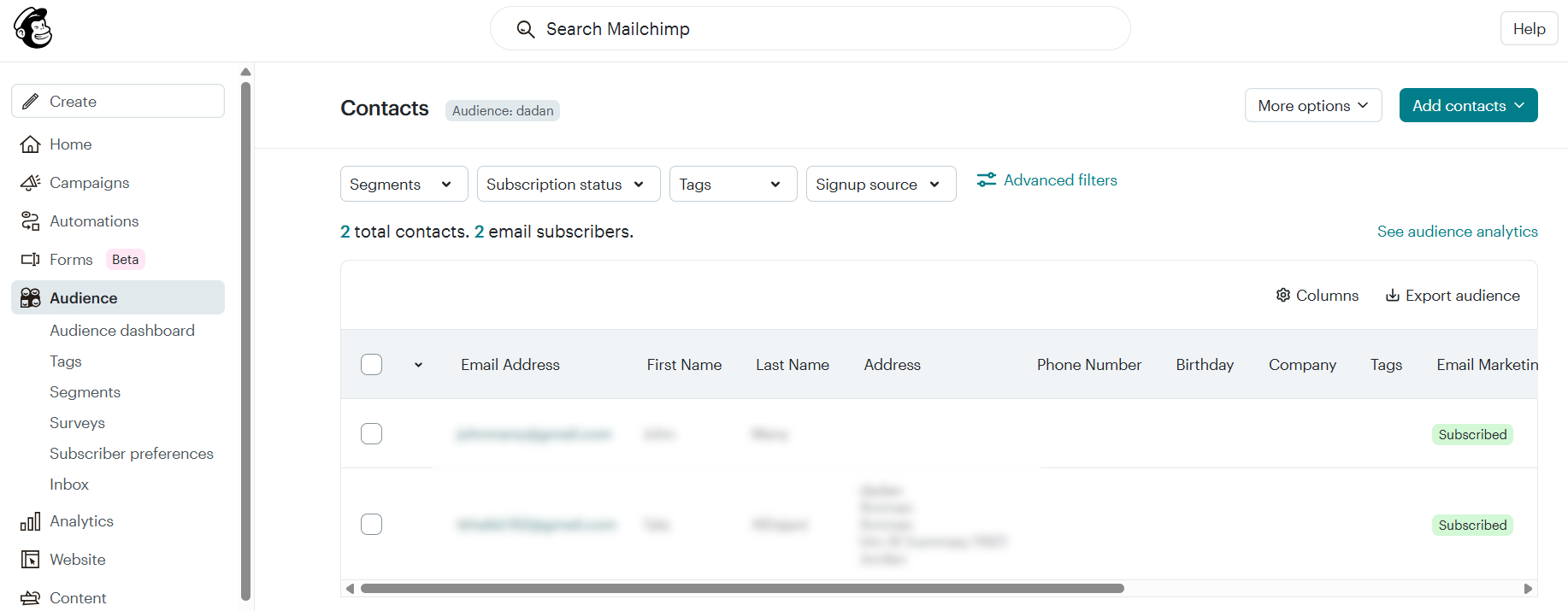
Elevate your email marketing by integrating dadan with Mailchimp. This guide provides clear, step-by-step instructions for connecting dadan videos with Mailchimp, enabling you to automatically capture video leads, sync them with your email campaigns, and drive targeted engagement with ease.
Accessing marketing integrations #
To open the dadan Mailchimp integration:
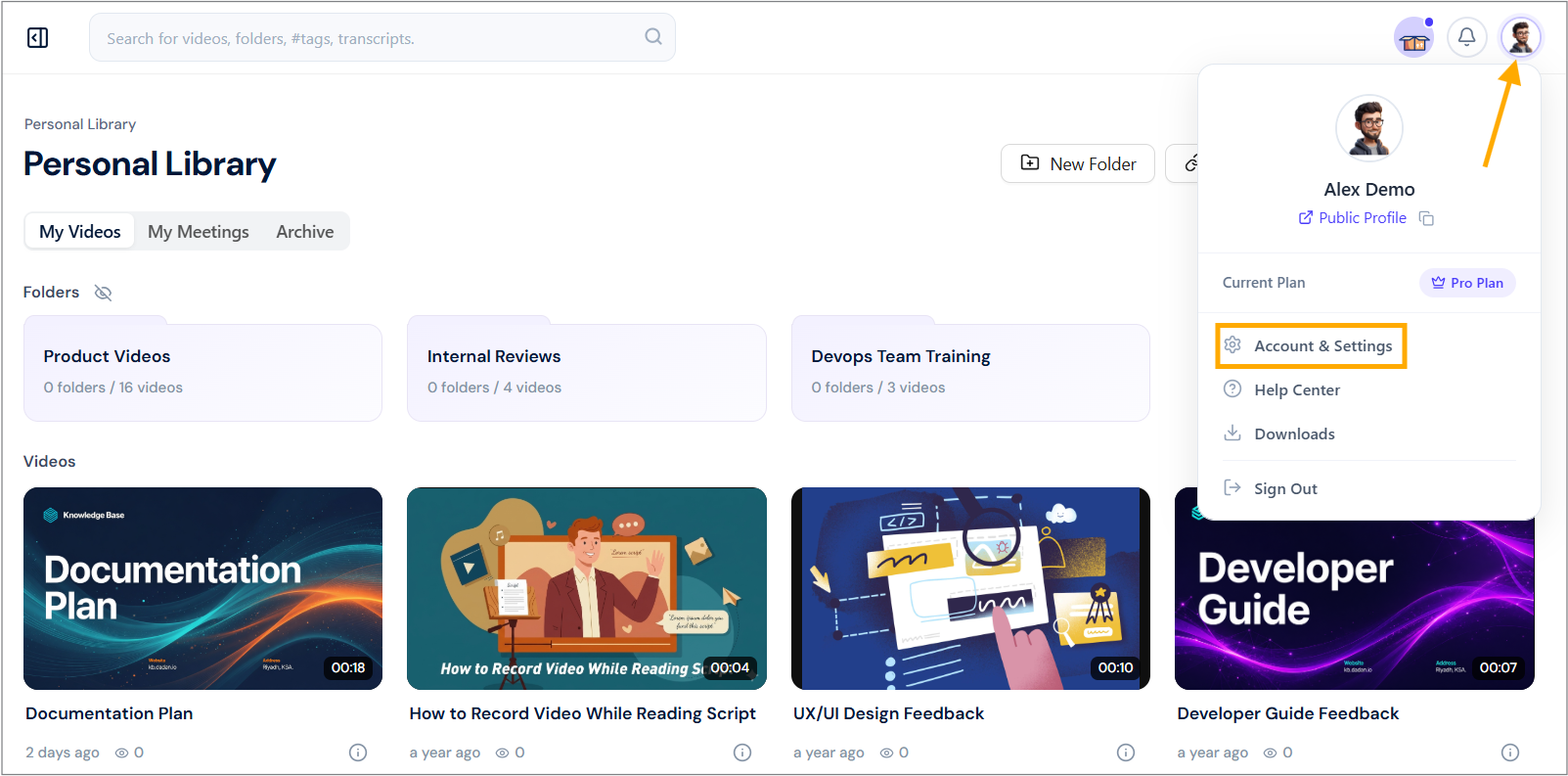
- Navigate to your dadan account and click your profile icon in the top right corner.
- Select Account & Settings from the dropdown menu.
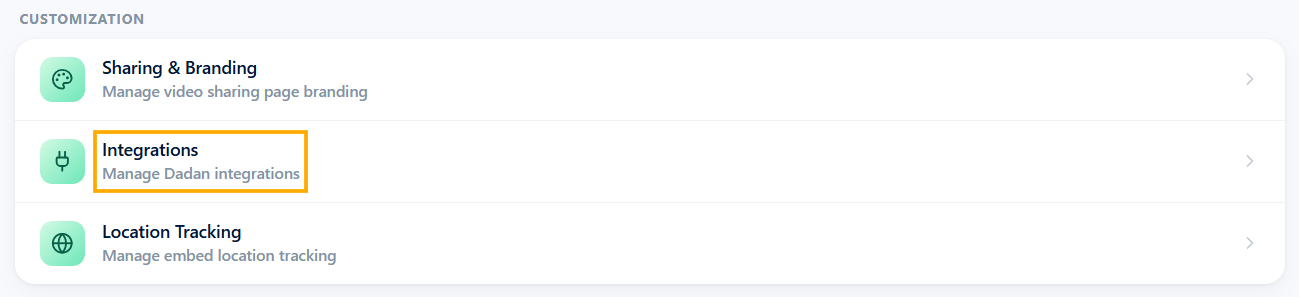
- In the Customization section, click the Integrations option.
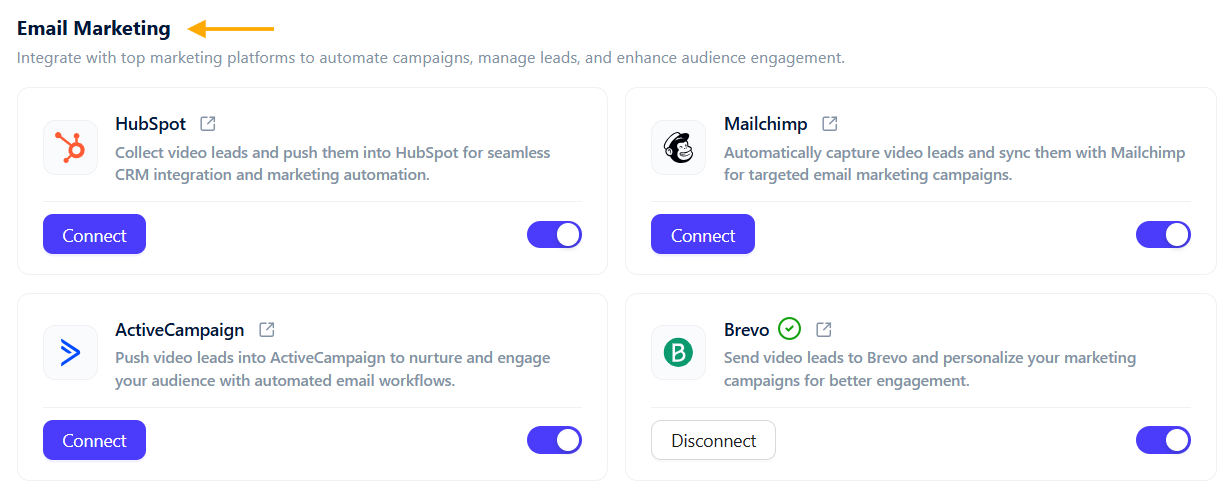
- In the Email Marketing section, view available marketing tools.
Steps to integrate dadan with Mailchimp #
Now, to integrate dadan with your Mailchimp account, do the following steps:
- Click the Connect button under Mailchimp to start the integration process.
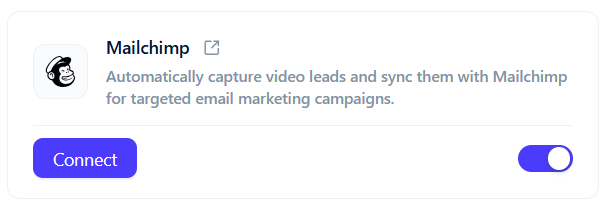
- You need to obtain an API Key from Mailchimp.
- Open the API Key guide link in a new tab and read the instructions.
- Follow the steps to generate and copy your API Key.
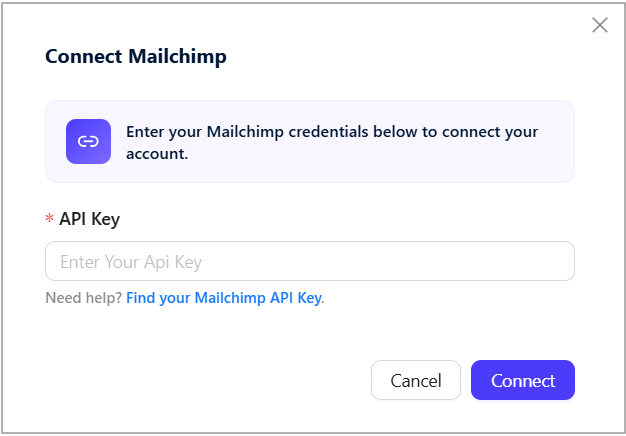
- Enter the API Key in the pop-up.
- Click Connect to link dadan with Mailchimp.
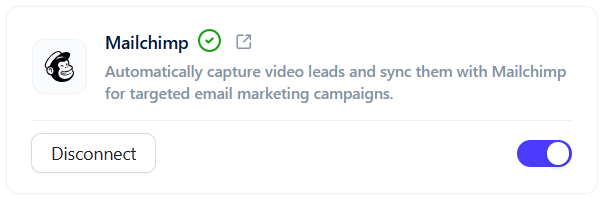
- The status next to Mailchimp in the Email Marketing section will show a green checkmark, indicating active integration.
Send your dadan in-video leads to Mailchimp #
Through integration, dadan enables you to effortlessly capture and manage your dadan video leads and send them directly to Mailchimp. This section guides you through configuring dadan to sync in-video leads with your Mailchimp CRM.
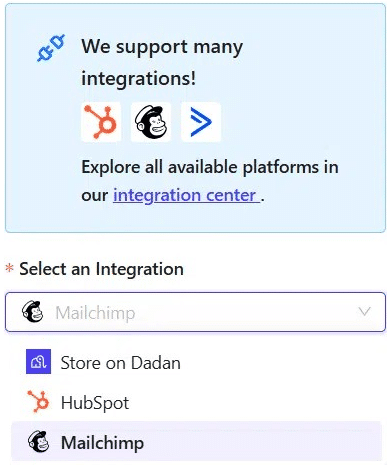
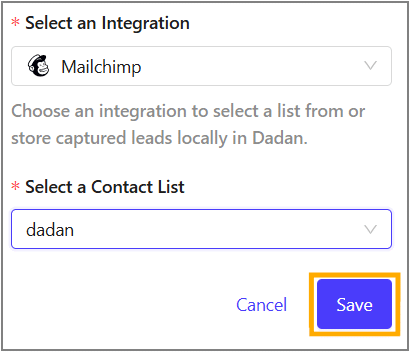
- In the dadan in-video leads settings, apply the Select an Integration step.
- Select Mailchimp from the menu to store collected leads.
- In the Select a Contact List, choose dadan.
- Click Save to apply the settings, then check the confirmation message.
- Open the Mailchimp platform, and you will find that your leads will be collected in the system.