
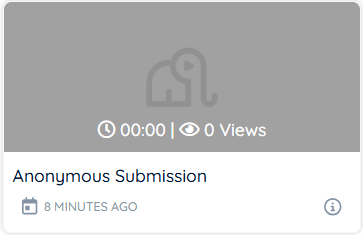
If a video appears with a duration of 0 seconds and cannot be removed, it is usually caused by cached data or a corrupted local recording state. Follow the steps below to resolve the issue.
Quick fixes #
- Clear browser cache:
Clear your browser’s cache and data, then reopen dadan.
- Perform a hard refresh:
Reload the page with a hard refresh to load the latest state.
- Contact dadan support:
If the issue persists, contact dadan support with the affected video details so it can be resolved on the backend.
These steps usually fix corrupted video states and restore normal video management.


