
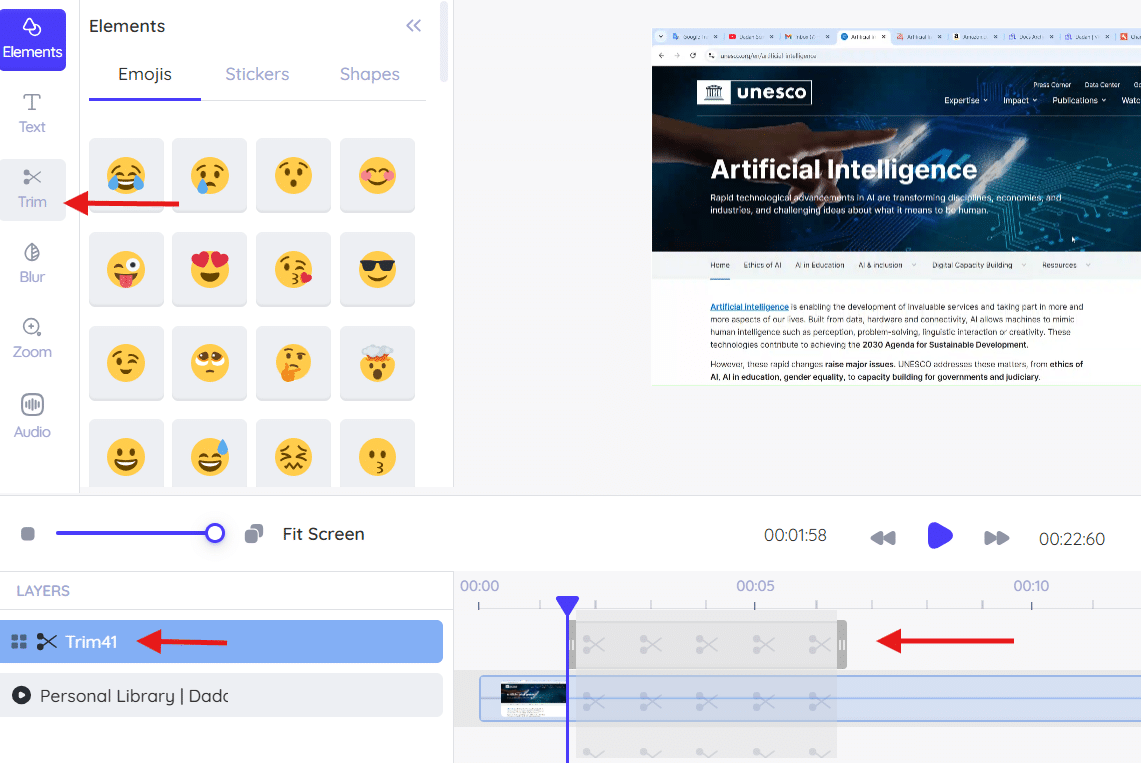
If trimming does not apply or fails to save, the issue is usually caused by cached data or a temporary processing error. Follow the steps below to resolve this issue.
Quick fixes #
- Clear browser cache:
Clear cached files and data, then reopen dadan.
- Perform a hard refresh:
Reload the page using a hard refresh to force the editor to load the latest state.
- Re-upload the video:
Upload the video again and retry the trimming action.
These steps typically restore standard trimming functionality.


