
If the transcript appears in an incorrect language, it is usually due to a wrong language selection or mixed-language audio. Use the steps below to correct it.
Quick fixes #
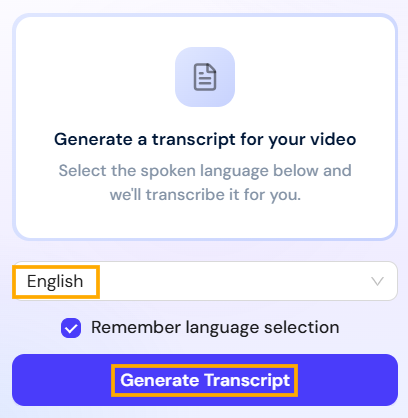
- Regenerate the transcript with the correct language:
Regenerate the transcript and manually select the correct spoken language before starting the process.
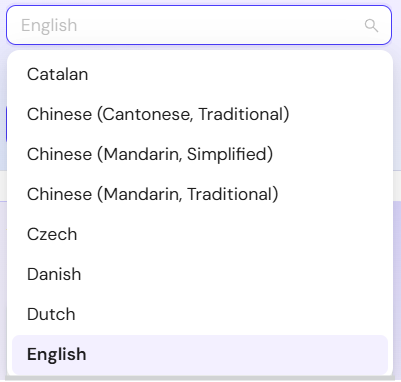
- Confirm language support:
Verify that the spoken language in the video is supported by dadan’s transcription engine.
- Contact support for mixed languages or dialects:
If the video includes mixed languages or closely related dialects (e.g., Afrikaans/Dutch or Arabic/French), send it to support for manual review and assistance.
These steps help ensure accurate language detection and correct transcript generation.


