
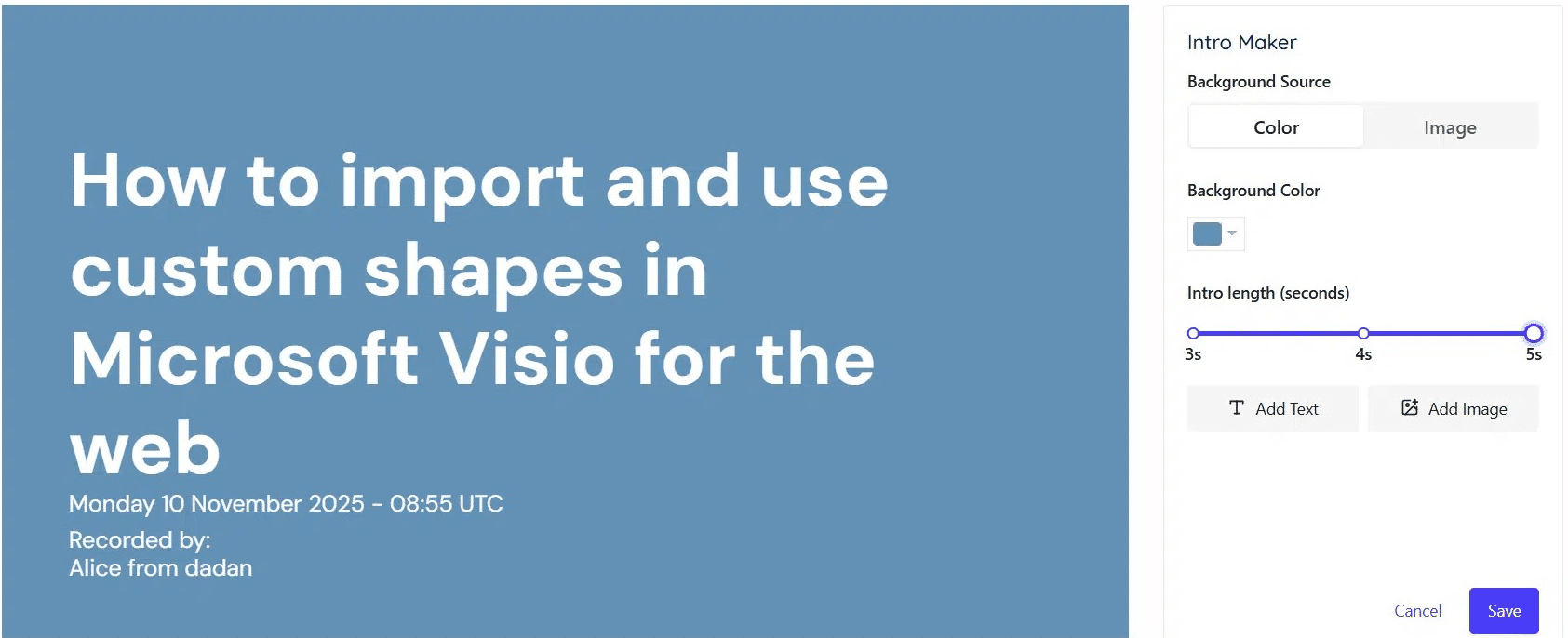
If the Intro Maker fails to load or apply changes, the issue is usually caused by cached data, browser conflicts, or an incomplete video state. Follow the steps below to resolve this issue.
Quick fixes #
- Refresh the page and clear cache:
Reload the page and clear the browser cache to reset the editor state.
- Re-upload the video:
Upload the video again to ensure the file is processed correctly.
- Try another browser:
Open Dadan in a different browser to rule out browser-specific issues.
- Re-upload and try again:
If the issue persists, re-upload the video once more and retry using the Intro Maker.
These steps usually restore standard Intro Maker functionality.


