
If downloaded dadan videos do not play in QuickTime, it is because dadan uses the AVC3 codec, which QuickTime does not support.
Quick fixes #
- Use VLC Player:
Open the video with VLC, which supports AVC3 playback natively.
- Convert to MP4/H.264:
If you need QuickTime compatibility, convert the video to MP4 using an H.264 encoder. You can use a free tool like HandBrake to convert your video.
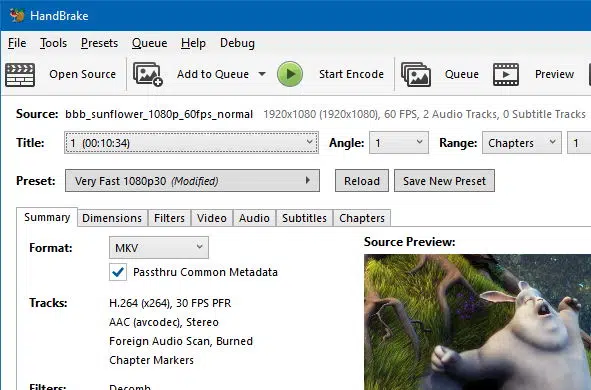
These steps ensure your downloaded videos are playable across different media players.


