
Taking notes from your recorded meetings has never been easier. With dadan’s AI Video Note Taker, you can quickly generate structured, categorized summaries directly from your videos.
This guide will show you how to access the tool, generate automatic notes, choose the right meeting categories, and apply best practices for the most accurate results.
- See also: Dadan AI video note taker overview.
How to access the AI video note #
- Choose the recorded meeting to which you want to add the note.
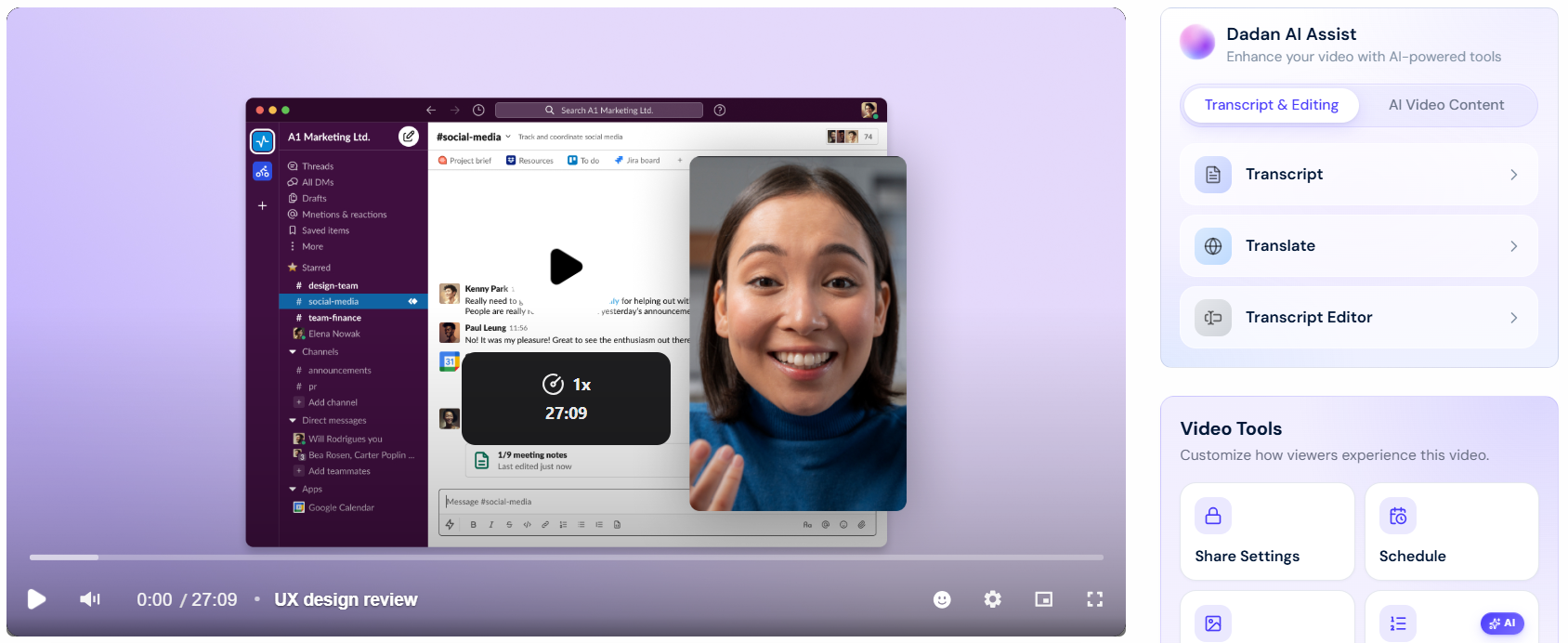
- In the Dadan AI Assist box, click the Note Taker button under AI Video Content.
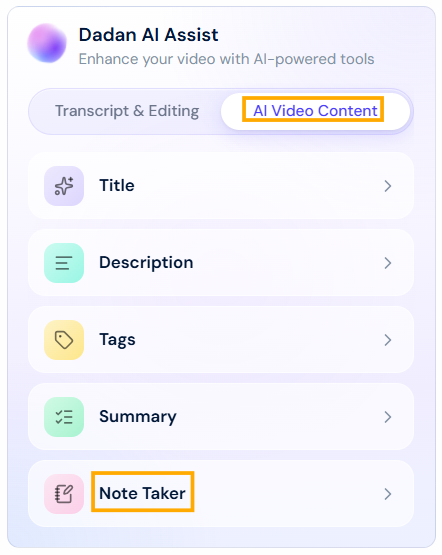
Note: All AI Assist features rely on the video AI Transcript. You’ll need to generate the transcript first, as it provides the foundation for other tools. If you have not created a transcript before, these features will make the video AI Transcript before proceeding.
Generating notes automatically #
To generate an AI note:
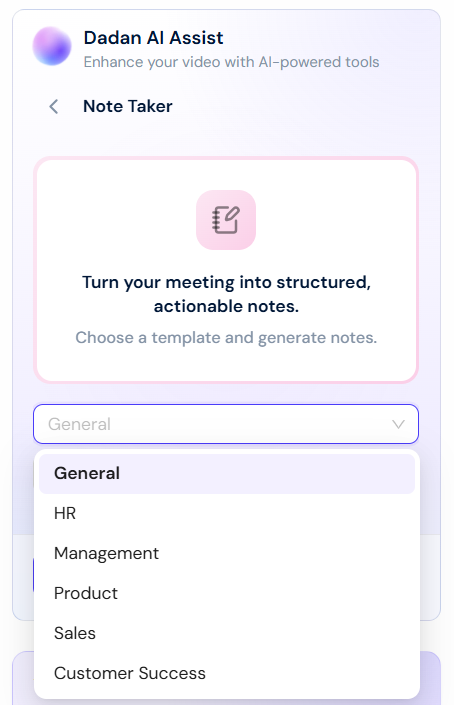
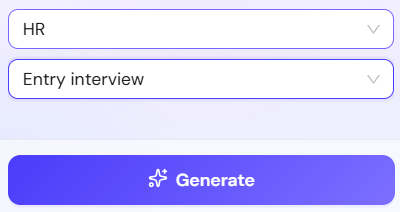
- Choose the category topic of your video.
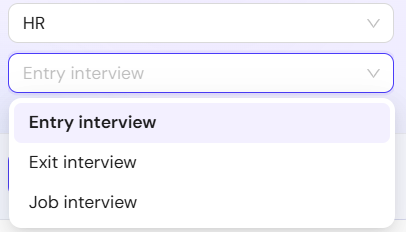
- Choose the subcategory topic of your video.
- Click Generate.
- If the video has no transcript, a message box will prompt you to transcribe it. Click Generate Transcript.
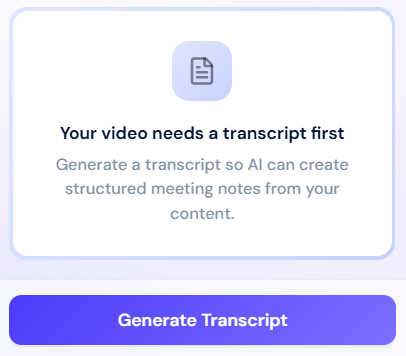
- Note: If you have previously created a transcript for your video, it will generate the Notes directly. Skip this step.
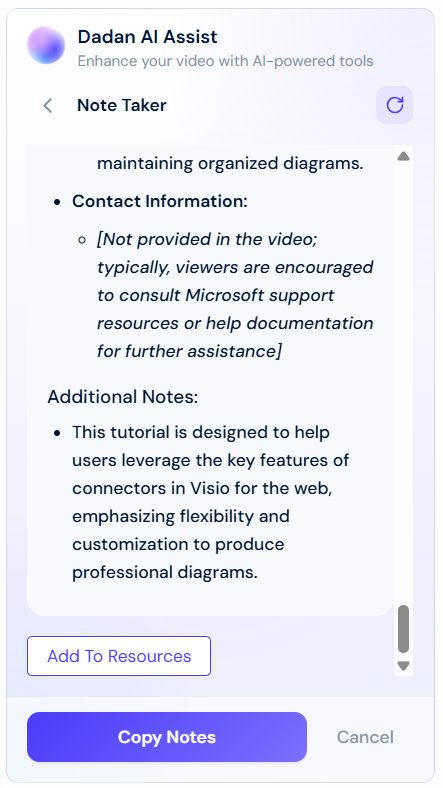
- When the generating process is finished, a notes panel containing the video notes will appear.
- Scroll down and click Copy Notes or Cancel if you don’t want to use them.
- Click Add To Resources to attach the Notes as a PDF file in the video resources.
Understanding meeting templates categories and subcategories #
Dadan AI Video Note Taker categorizes meetings into six primary groups to ensure structured and relevant notetaking:
- General: These templates are ideal for everyday team meetings and agile workflows.
- HR: For recruitment, onboarding, and employee lifecycle conversations.
- Management: Designed for leadership, performance, and company strategy.
- Product: Focused on research and product development sessions.
- Sales: These templates follow popular sales methodologies and client call structures.
- Customer Success: For managing customer relationships, health, and growth.
For more details, read Dadan AI video note taker templates: a detailed guide.
Tips for optimal use #
Best practices for accurate summaries:
- Ensure clear audio quality for precise transcription.
- Use structured agendas to improve AI comprehension.
To get the best AI-generated notes:
- Choose the most relevant category and note type.
- Review AI-generated notes for minor corrections.
Common mistakes to avoid:
- Selecting an incorrect category, leading to mismatched formatting.
- Relying solely on AI without reviewing the output.


