
When a video is no longer needed, you can permanently delete it from your dadan account to keep your library clean and focused.
Looking for the full guide on video management? Check out the complete video management guide.
Steps to delete videos #
To permanently remove a video:
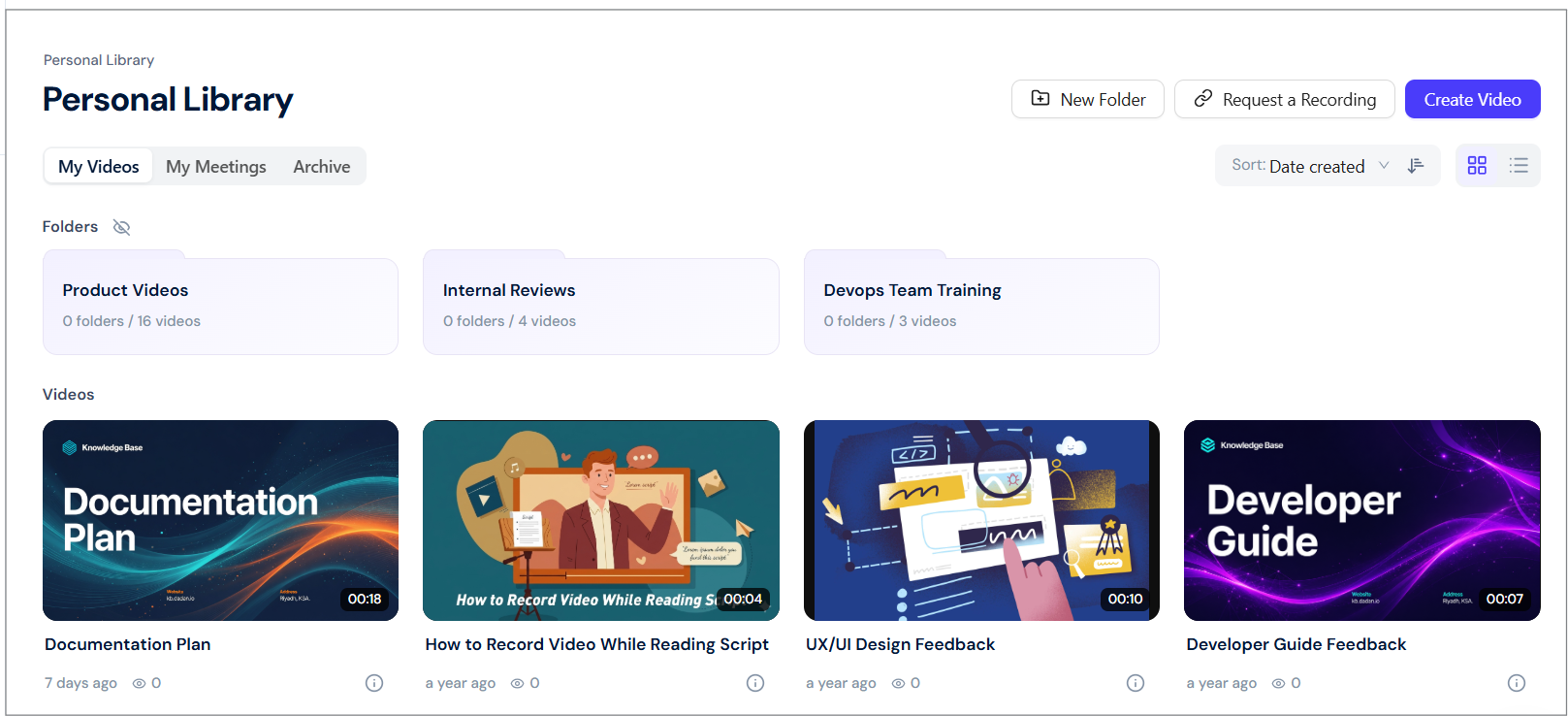
- Go to the Personal Library or Team Space where the video was uploaded.
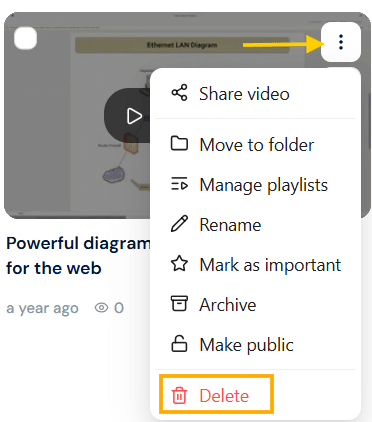
- In the Videos section, find the video and click the three-dots [⋮] icon.
- A dropdown menu will appear. Click Delete.
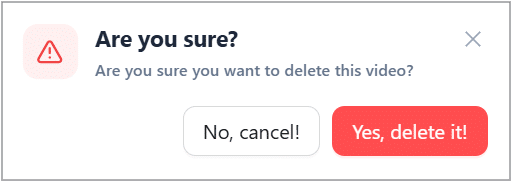
- A confirmation box will appear. Click the Yes, delete it! button to continue deleting the selected video.
Tip: If you prefer temporary removal, try Archiving instead; your video stays safe but hidden from your main library.
Delete multiple videos #
Need to clear up space or remove old recordings? You can delete multiple videos in one step.
To delete multiple videos:
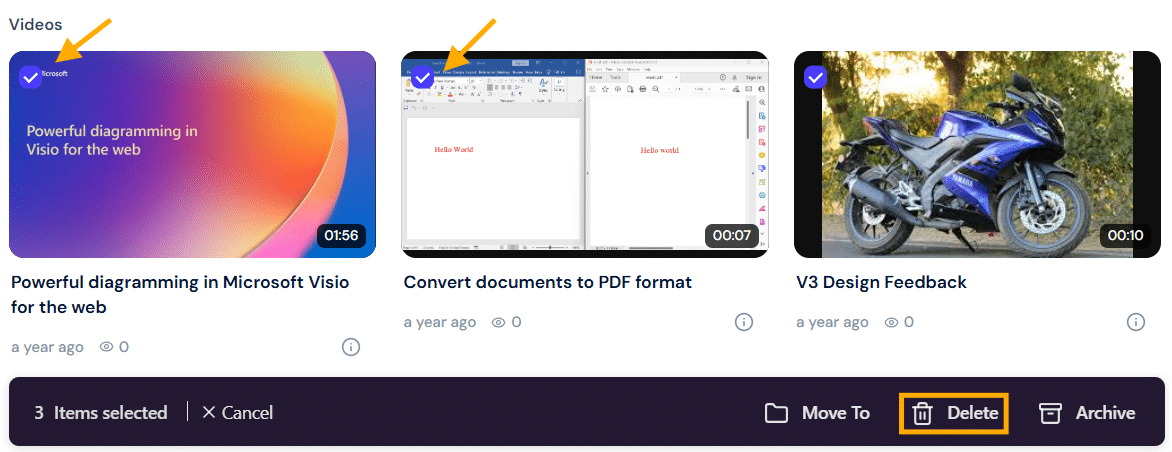
- Select the videos by clicking the checkmarks on their thumbnails.
- Click Delete in the action bar.
- Confirm the deletion when prompted.
Once deleted, videos cannot be recovered; make sure you’ve saved what you need before confirming.


