
Deleting folders that you no longer need helps keep your workspace organized and frees up storage space. In dadan, you can easily delete folders from your Personal Library or Team Space.
This quick guide will walk you through how to delete folders.
Looking for the full guide on managing folders? Check out the complete folder management guide.
Steps to delete a folder #
To delete a folder, follow these steps:
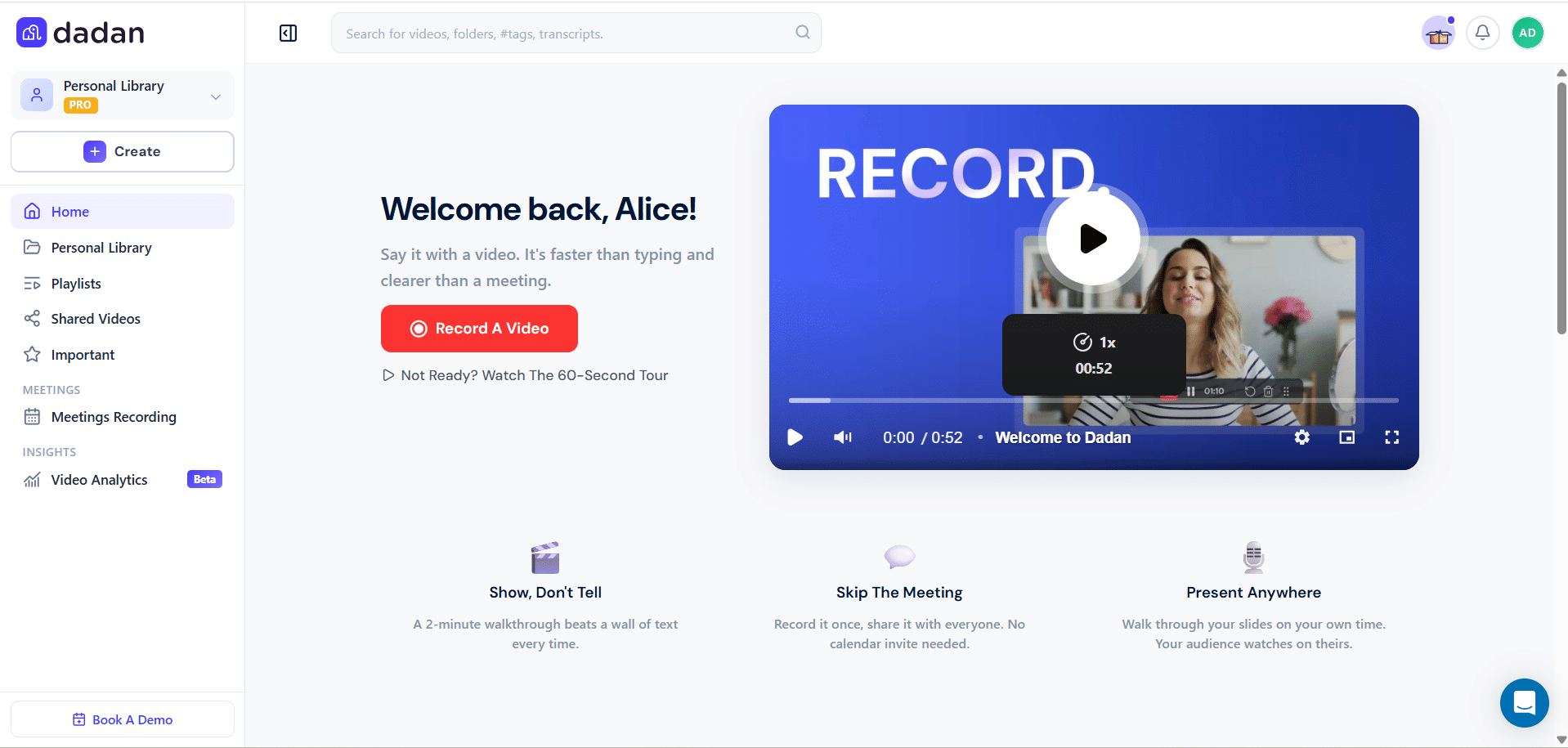
- Log in to your dadan account. The Home page opens by default.
- You can switch to the Personal Library, a Team Space, or any other location to sort a folder.
- Find the folder you want to delete and click the three dots [⋮] button.
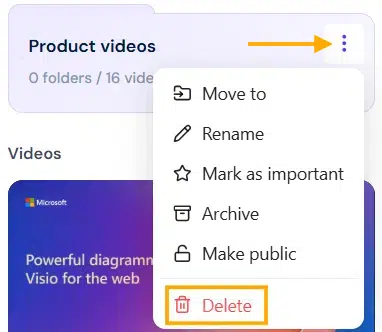
- A dropdown menu will expand, click Delete.
- A confirmation box will pop up.
- Click the Yes, delete it! button to continue deleting the selected folder.
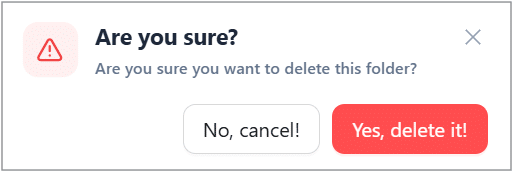
⚠️ Warning: Deleting folders is permanent. Once deleted, the folder and its contents cannot be recovered, so be sure you’re ready to remove it.


