
If the meeting recorder displays the same calendar events multiple times, the issue is usually related to calendar sync or permission refresh. Follow the steps below to resolve this issue.
Quick fixes #
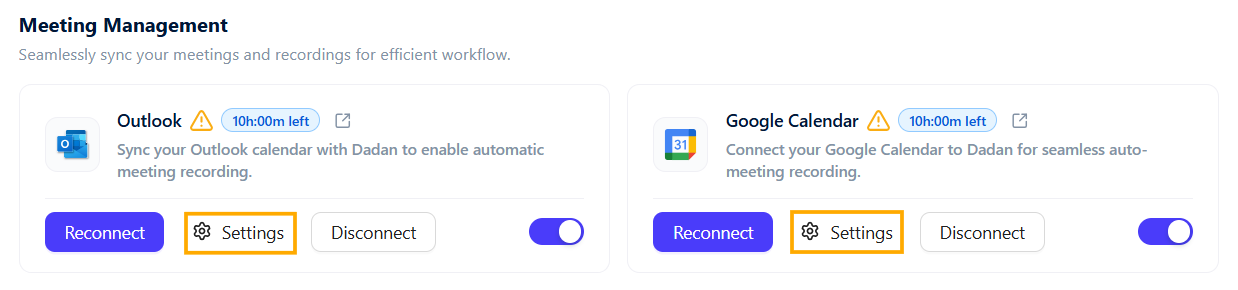
- Disconnect and reconnect your calendar:
Remove the connected calendar from dadan, then reconnect it to refresh the event sync.
- Refresh calendar permissions:
Re-authorize calendar access to ensure permissions are up to date.
- Contact support if needed:
If duplicate events persist, please send a screenshot of the issue to dadan support for further investigation.
These steps typically resolve calendar duplication and restore accurate meeting listings.


