
If an interactive comment appears as a white box with no text, the issue is usually a temporary rendering or state-refresh problem. Use the steps below to fix it.
Quick fixes #
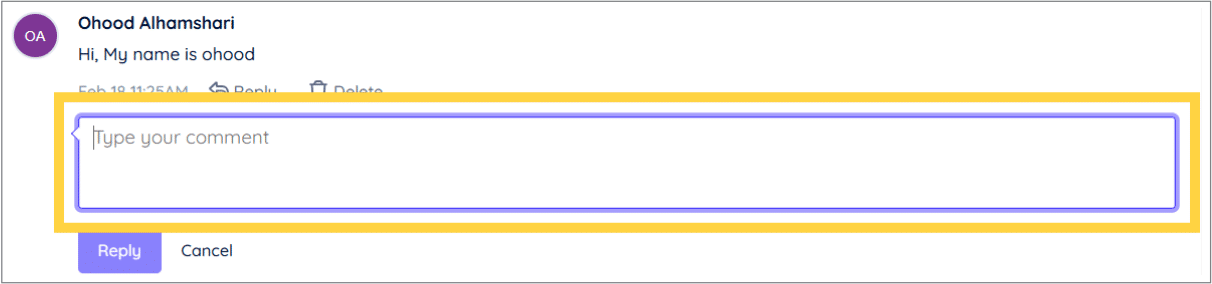
- Re-enter the text:
Click into the interaction and retype the comment text to refresh its state.
- Delete and re-add the interaction:
Remove the existing interactive comment and add it again to reset the interaction layer.
These steps typically restore the text display for interactive comments.


