
If an external meeting link does not paste correctly into the recorder, it is usually due to extra parameters or unsupported link formats. Use the steps below to fix it.
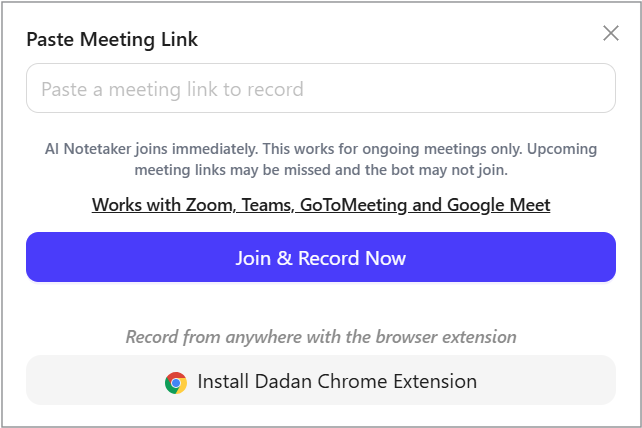
Quick fixes #
- Remove the query string:
Delete everything after the “?” in the meeting URL, then paste the cleaned link again.
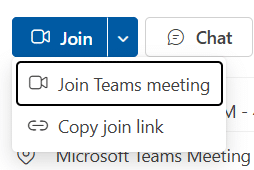
- For Microsoft Teams, copy the join info:
Use the Copy join link option in Teams instead of copying the link from the address bar.
These steps ensure the meeting link is recognized and accepted correctly by the recorder.


