
If the camera shape does not change when selected, the issue is usually related to the current camera state or layout mode.
Quick fixes #
- Refresh the camera mode:
Toggle the camera on and off, or switch briefly to another camera mode, to reset the layout.
- Switch modes before adjusting:
Switch to a different camera mode, then select your preferred camera shape again.
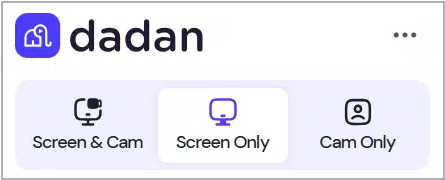
These steps refresh the camera controls and typically restore shape-switching functionality.


