
Redeeming a discount code lets you enjoy dadan’s premium features at a reduced price. Whether you received a promotional offer, a reward from your team, or a limited-time discount, applying your coupon ensures you get the best value from your subscription. This guide explains how to redeem your code during checkout.
See before: Dadan plans and subscriptions.
Steps to redeem your discount coupon code #
Follow these steps on the Plans and Subscriptions screen to apply your coupon and complete your purchase:
- Start with this guide to upgrade your dadan plan.
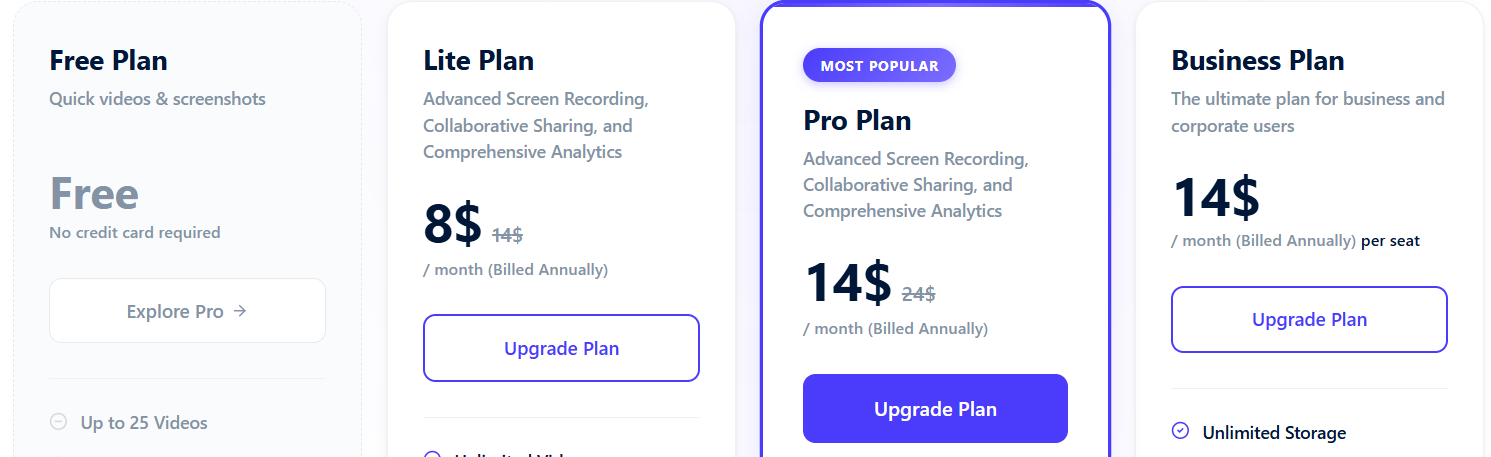
- Apply your coupon code:
- Locate the Add Discount field, type or paste your code, and click Add discount.
- If the code is valid, the updated price will appear immediately.
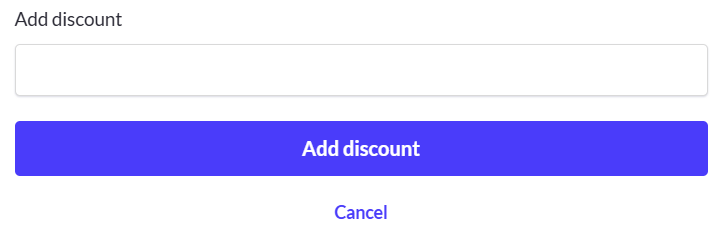
- Complete the subscription steps:
- Click Subscribe now to finalize your purchase and apply the discount.
Your coupon has now been redeemed, and your savings will be reflected in your subscription invoice.


