Upgrade your dadan plan to unlock advanced features and enhanced functionality. Whether you need improved collaboration tools or premium capabilities, upgrading ensures access to the full range of dadan’s features. This guide covers managing and upgrading your subscription.
- See before: Dadan plans and subscriptions.
Steps to upgrade your plan #
Follow these steps on the Plans and Subscriptions screen to easily upgrade your plan and benefit from the additional capabilities:
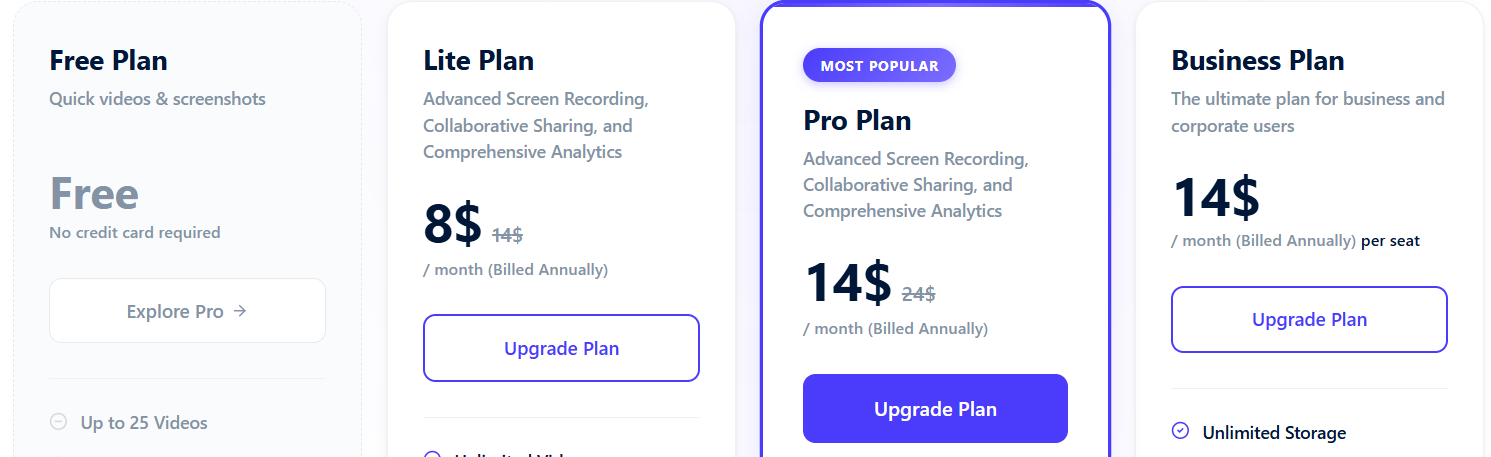
- Select your desired plan and click the Upgrade Plan button.
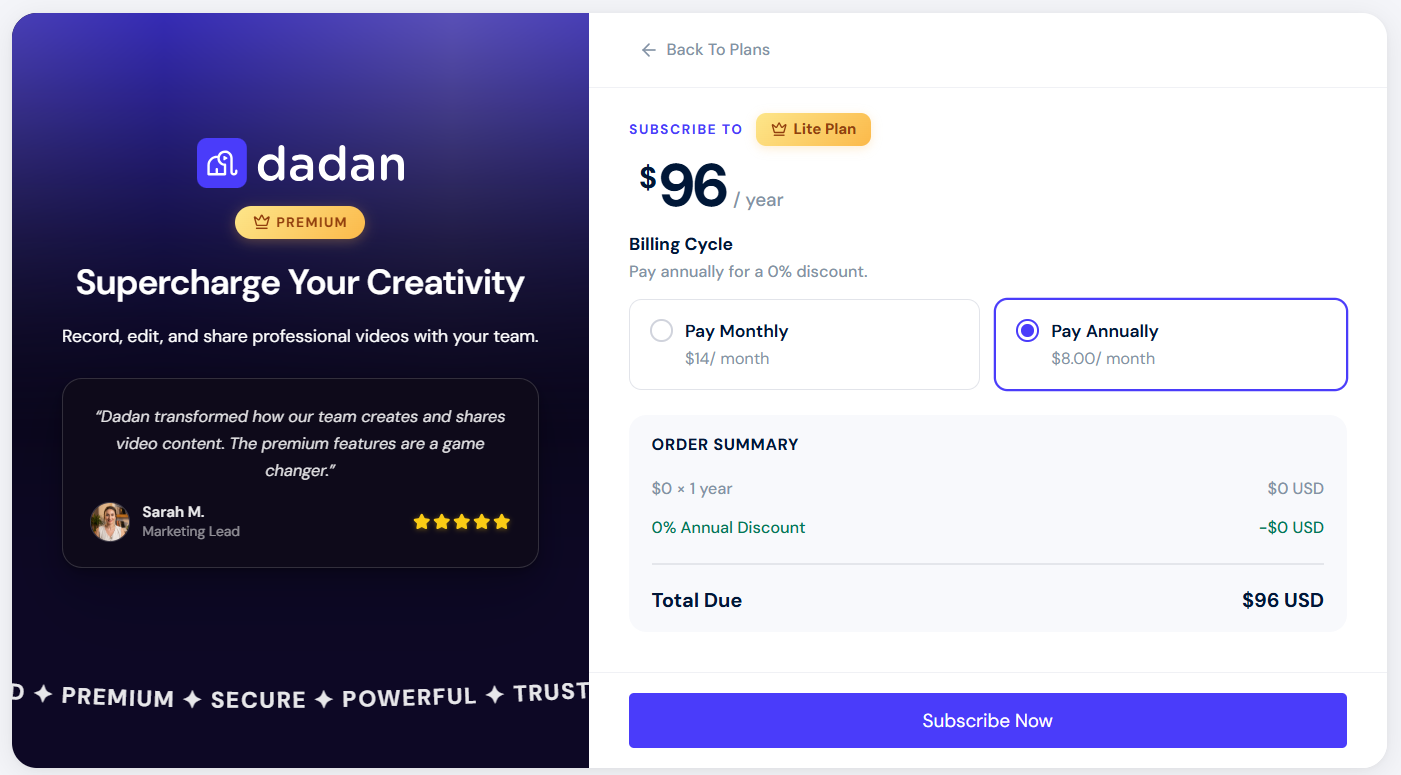
- Confirm subscription: Review your details on the confirmation page, then click the Subscribe Now button to confirm.
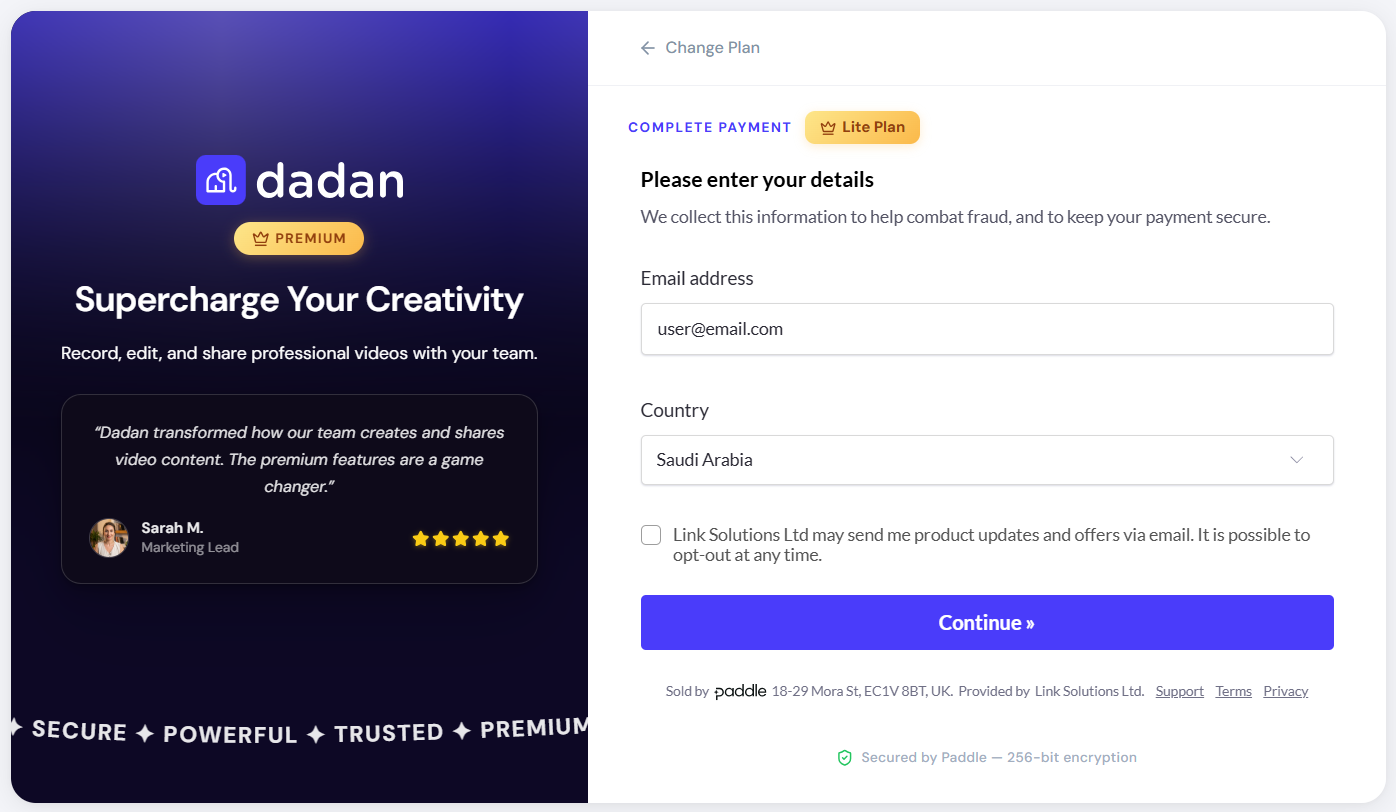
- Enter your payment information: Fill in your email address and country, and click Continue to proceed.
- Provide payment information: Enter your PayPal account information or your card number, name, expiration date, and security code (CVV), then click Subscribe now to finalize the upgrade.
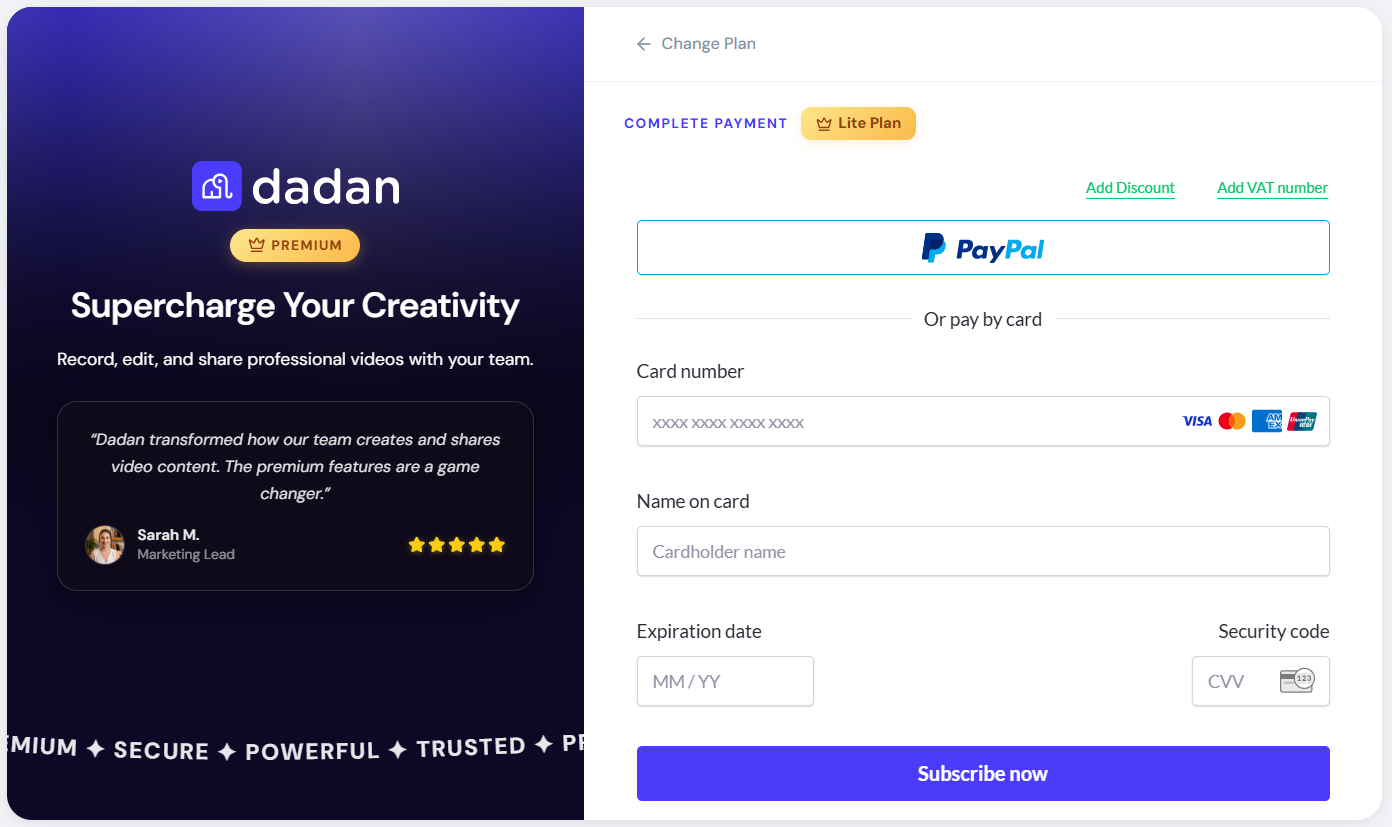
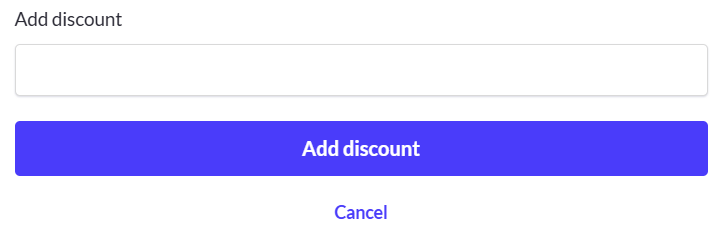
- If you have a discount coupon code, select the Add Discount option, enter it in the designated box, and click the Add discount button.
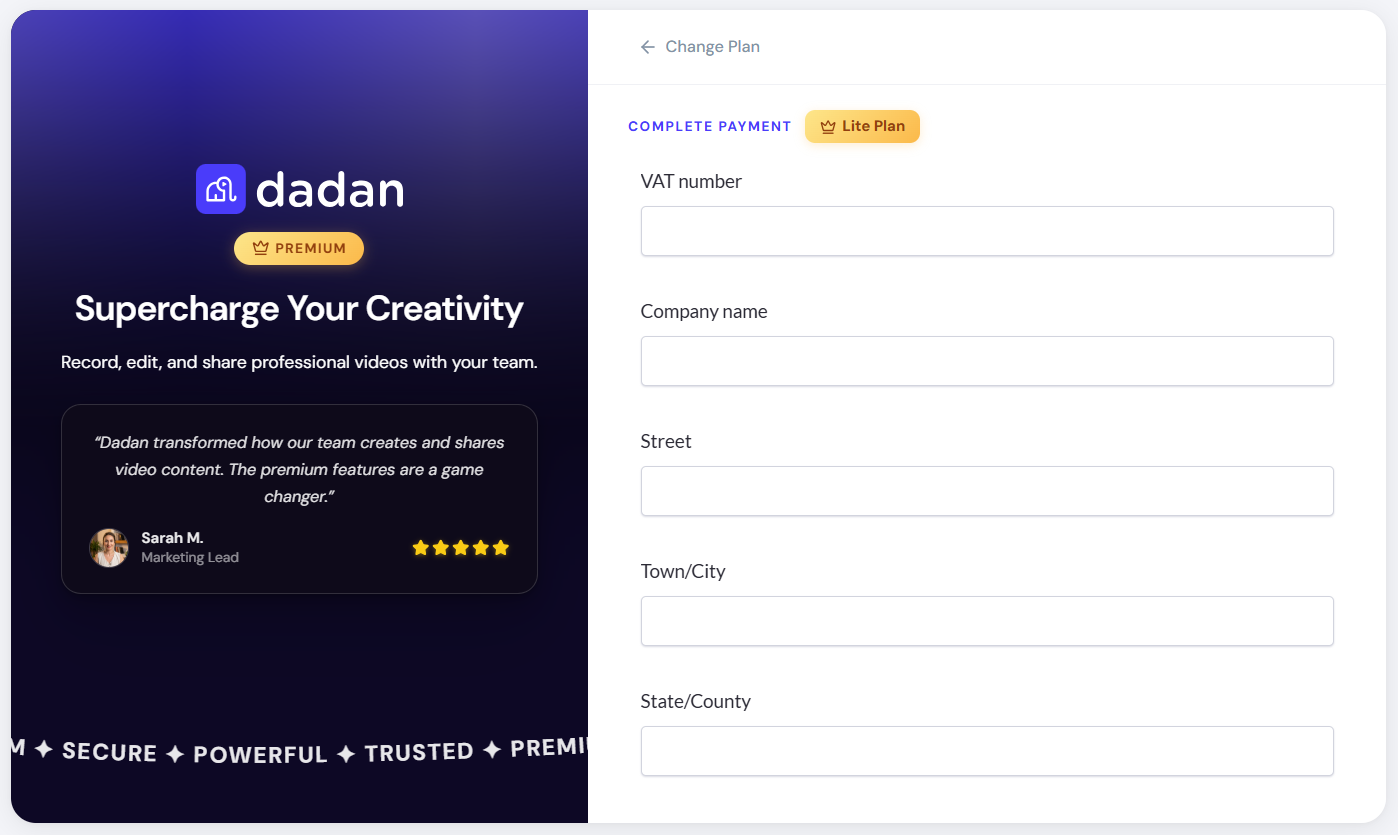
- If you have a VAT number, select the Add VAT number option, fill in the information form, and click Apply.
Billing and payment history #
Keeping track of your billing details helps you manage your subscription with ease. dadan provides a clear overview of your past payments, upcoming charges, and invoice history.
To open your payment history:
- On the My Account page, under the Plan & Billing section, select Billing.
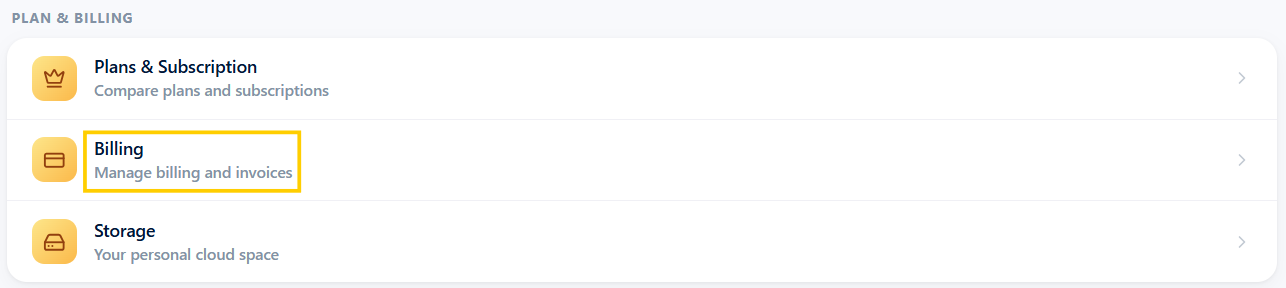
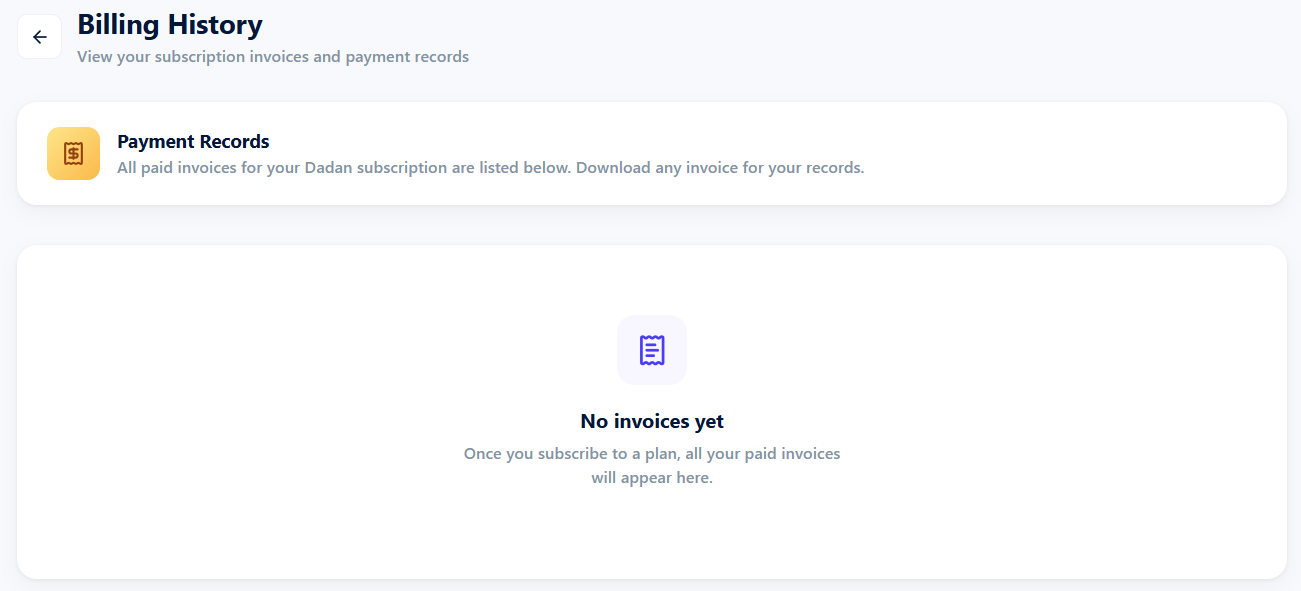
- This will display the Billing History screen, which contains your subscription’s invoices.
If no bills are available, they will appear here once they are generated.