
Maximize your marketing efficiency with the dadan and Ontraport integration. This guide provides clear, step-by-step instructions for connecting dadan videos with Ontraport, allowing you to capture video leads, integrate them into your CRM, and automate sales funnels for streamlined engagement and conversions.
Accessing marketing integrations #
To open the dadan Ontraport integration:
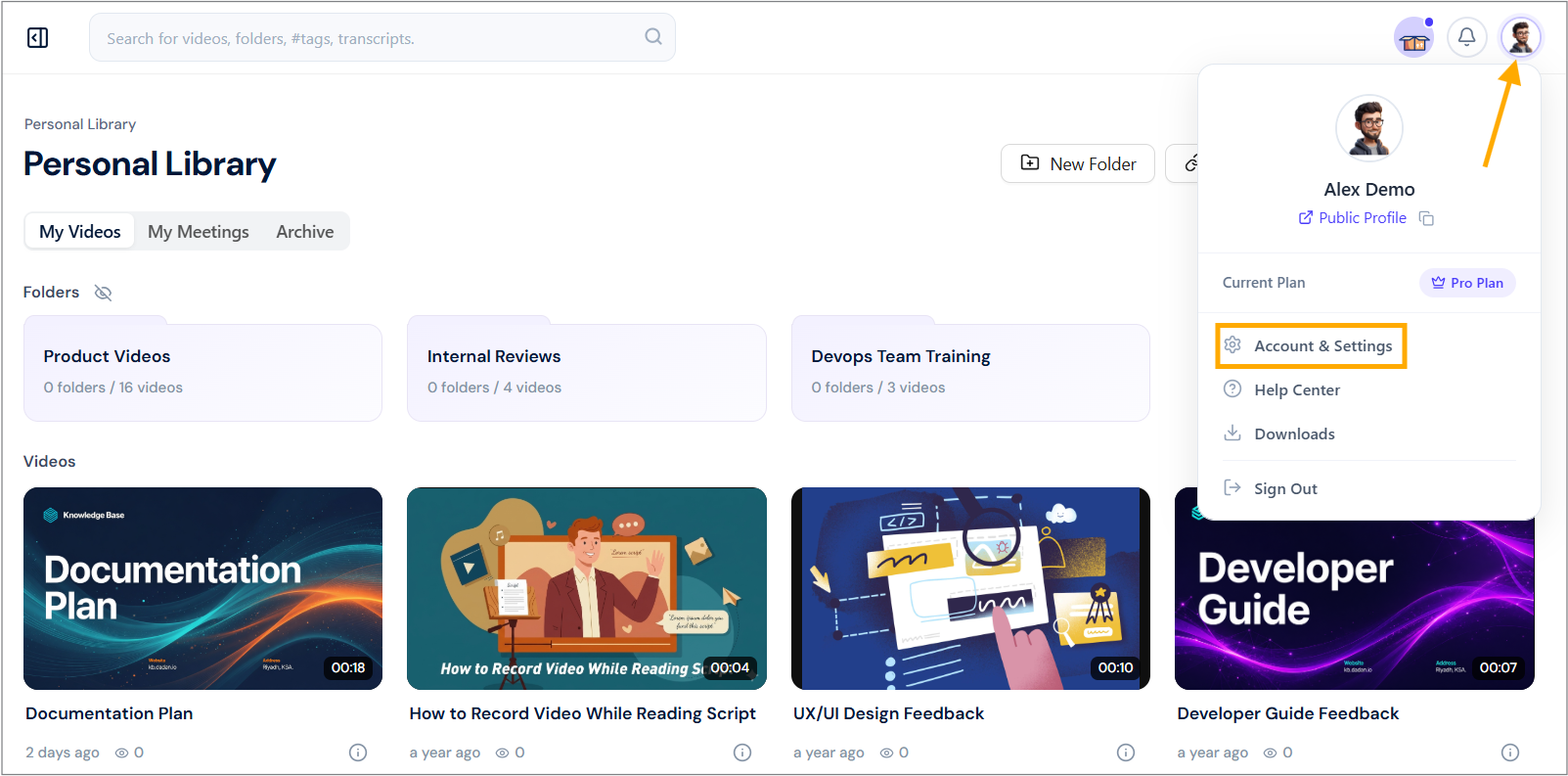
- Navigate to your dadan account and click your profile icon in the top right corner.
- Select Account & Settings from the dropdown menu.
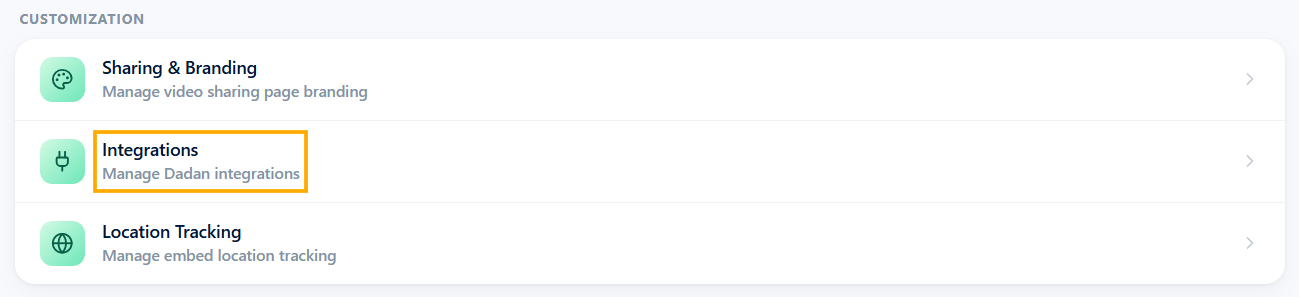
- In the Customization section, click the Integrations option.
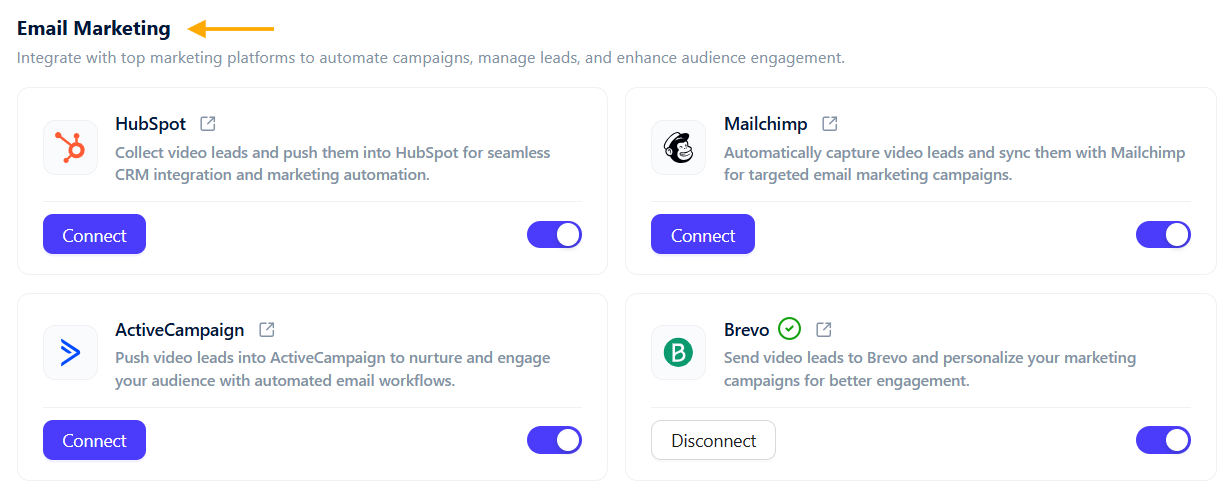
- In the Email Marketing section, view available marketing tools.
Steps to integrate dadan with Ontraport #
Now, to integrate dadan with your Ontraport account, do the following steps:
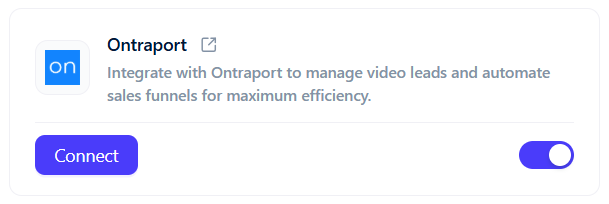
- Click the Connect button under Ontraport to start the integration process.
- You need to obtain an API Key and App ID from Ontraport.
- Open the API Key guide link in a new tab and read the instructions.
- Follow the steps to generate and copy your API key and App ID.
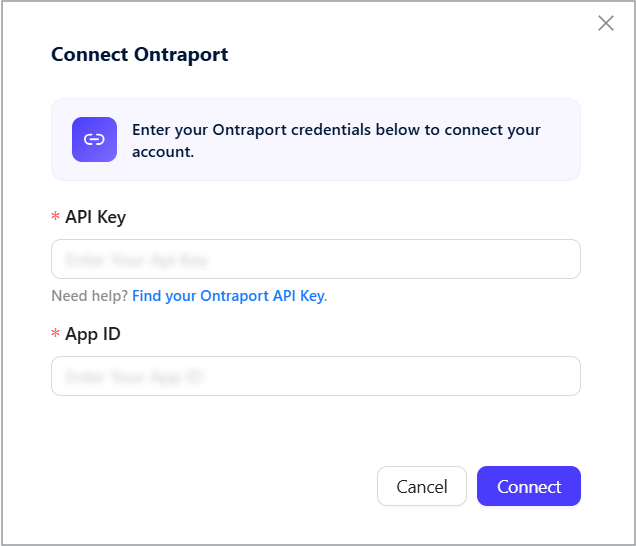
- Enter the API Key. Click Connect to link dadan with Ontraport.
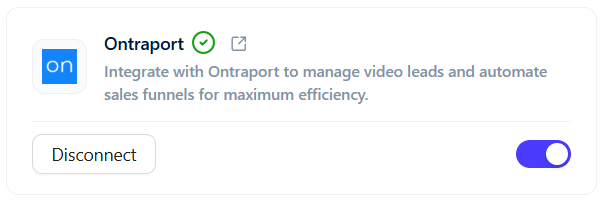
- The status next to Ontraport in the Email Marketing section will show a green checkmark, indicating active integration.
Send your dadan in-video leads to Ontraport #
Through integration, dadan enables you to effortlessly capture and manage your dadan video leads and send them directly to Ontraport. This section guides you through configuring dadan to sync in-video leads with your Ontraport CRM.
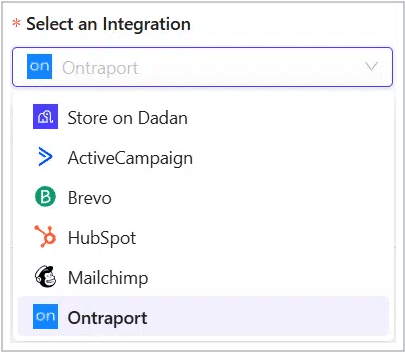
- In the dadan in-video leads settings, apply the Select an Integration step.
- Select Ontraport from the menu to store collected leads.
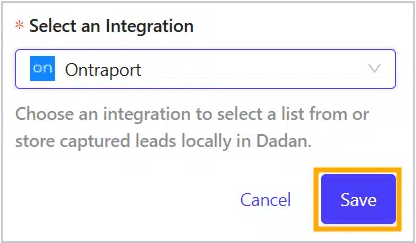
- Click Save to apply the settings, then check the confirmation message.
- Open the Ontraport platform, and you will find that your leads will be collected in the system.


