
Your public dadan profile allows others to view and interact with your public content and basic user information.
You can manage:
- Public Profile visibility: Choose what information is displayed.
- Public Videos & Public Folders: Control which content is publicly accessible.
- Customization options: Modify your public name and avatar.
Accessing your dadan profile page #
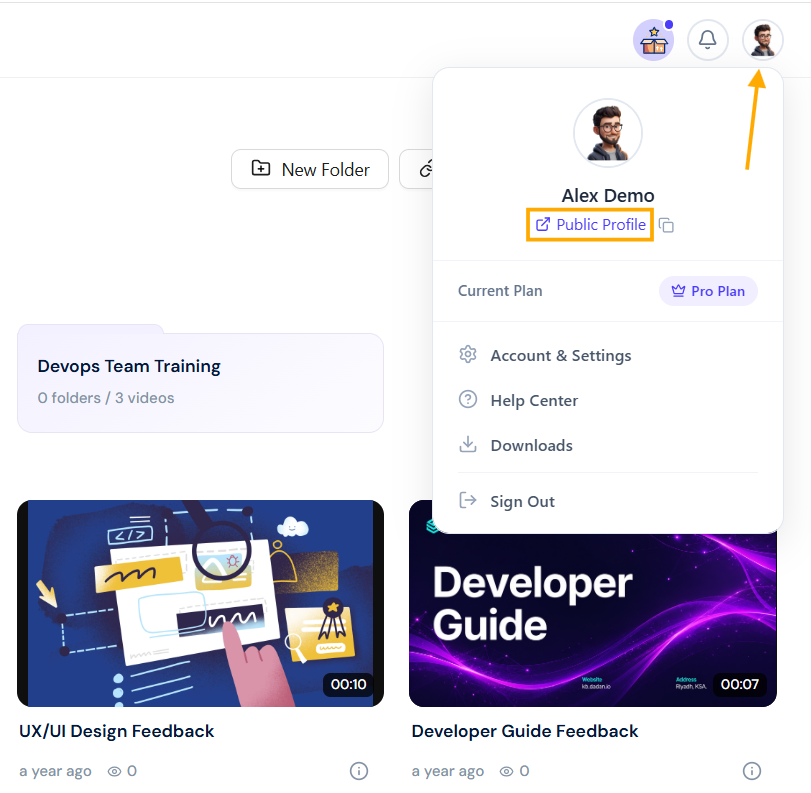
To access your dadan public Profile page:
- Click on your Profile icon in the top-right corner.
- Open the Public Profile link from the dropdown menu.
- Your public profile will open and be empty.
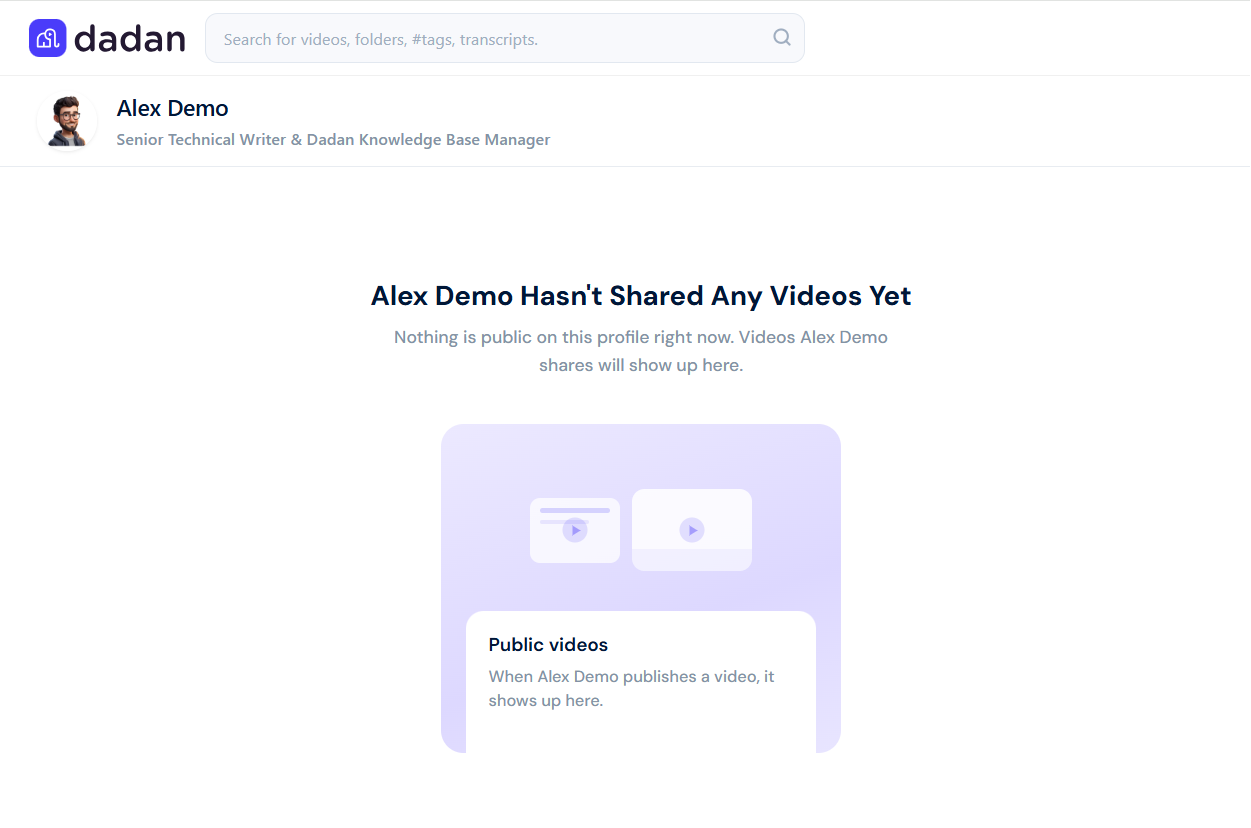
- To view your desired folders and videos in your public profile, make them public:
Accessing your dadan public profile settings #
If you need to change your public profile settings, open the dadan public profile settings:
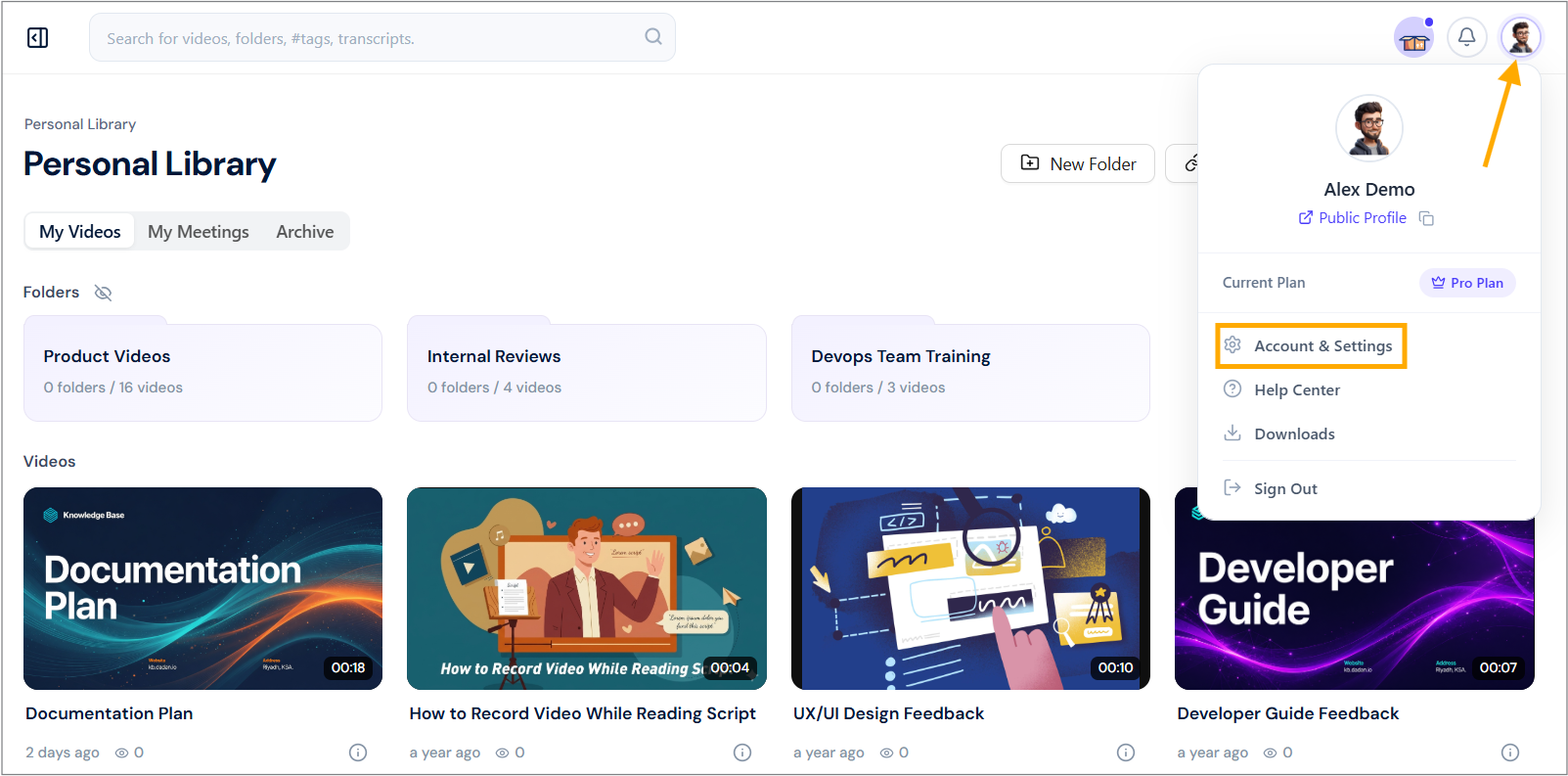
- Click on your Profile icon in the top-right corner.
- Select Account & preferences from the dropdown menu.
- In the My Account page, click the Profile section or the Edit Profile icon.
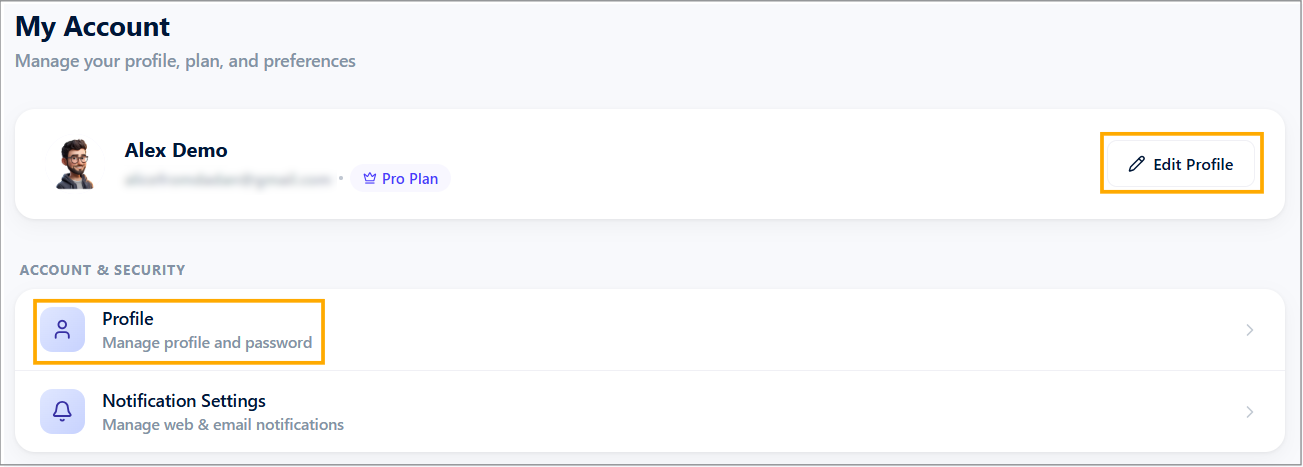
The Profile Settings page will open.
Setting your dadan profile #
Now follow these steps:
- Ensure the Public Profile tab is open.
- In the Bio box, enter your bio information.
- You can edit your Public Profile Alias URL and copy it to the clipboard.
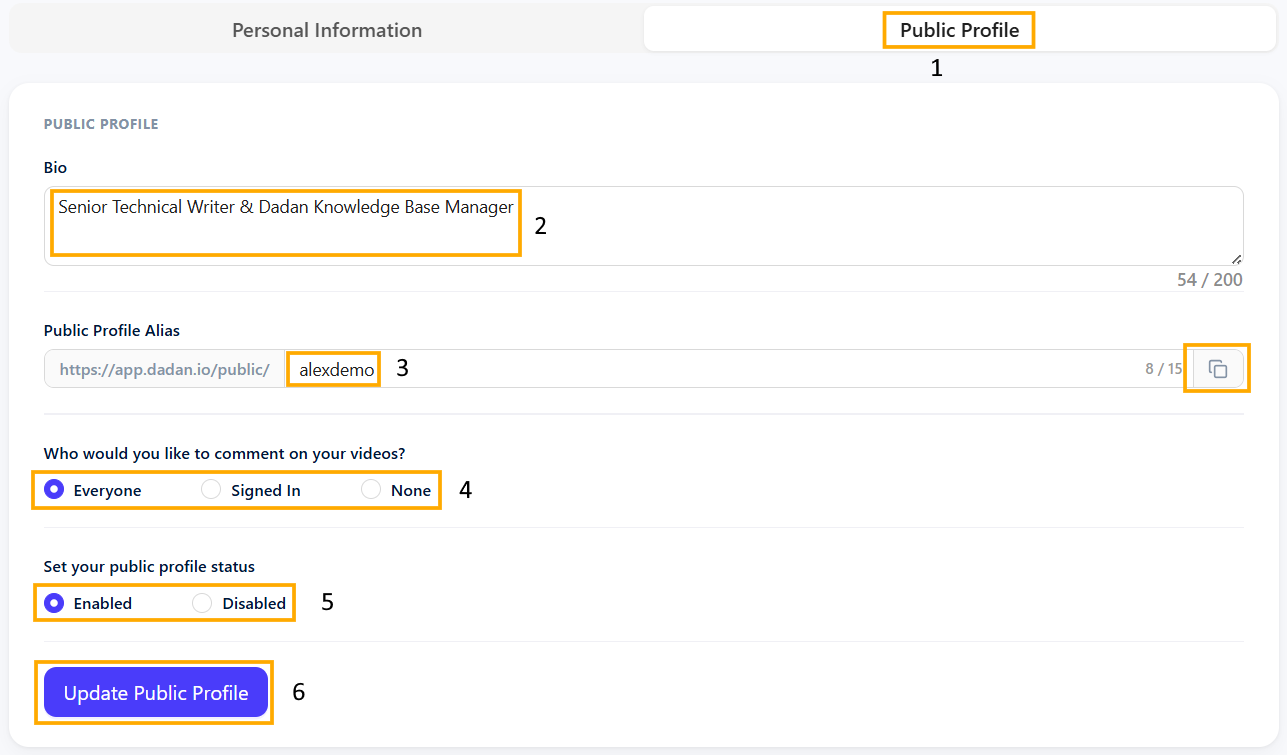
- Select the visibility option: Everyone, Signed In, and None.
- Enable or disable your Public Profile status.
- Click Update Public Profile to save changes.
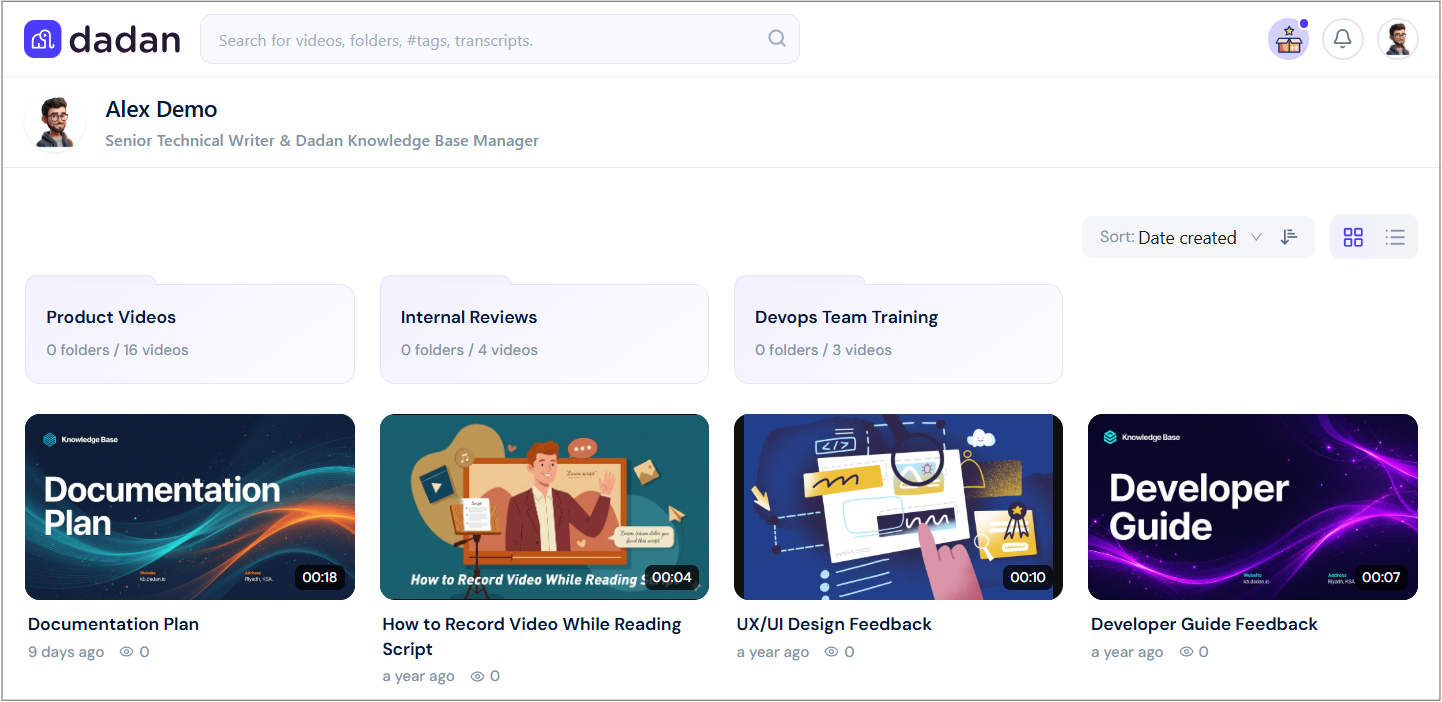
Your dadan profile will be open to the public via the Alias URL, like this:
See also: Managing your account and dadan profile.


