
Need to share a collection of videos with others in your dadan public profile page? In dadan, you can make any folder public so others can access its contents, even if they don’t have an account.
This quick guide will show you how to make folders public or remove them from your public profile when needed.
Looking for the full guide on managing folders? Check out the complete folder management guide.
Steps to make a folder public #
To make a folder public, follow these steps:
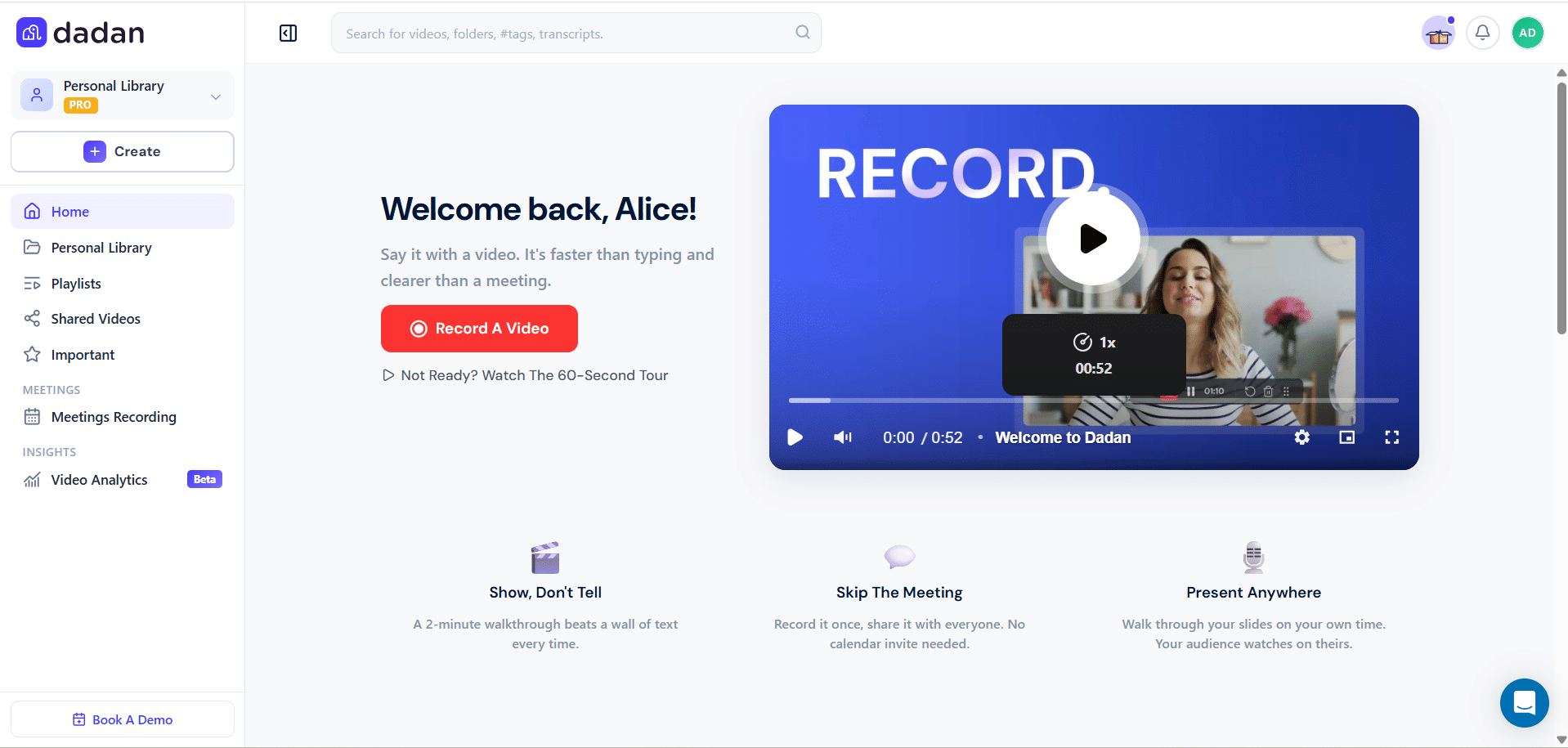
- Log in to your dadan account. The Home page opens by default.
- You can switch to the Personal Library, a Team Space, or any other location to sort a folder.
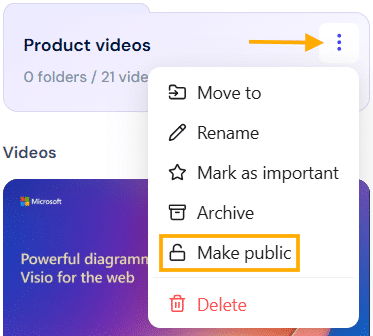
- Find the folder you want to make public and click the three dots [⋮] button.
- A dropdown menu will expand. Click Make public.
- Now, the folder will be available to the public.
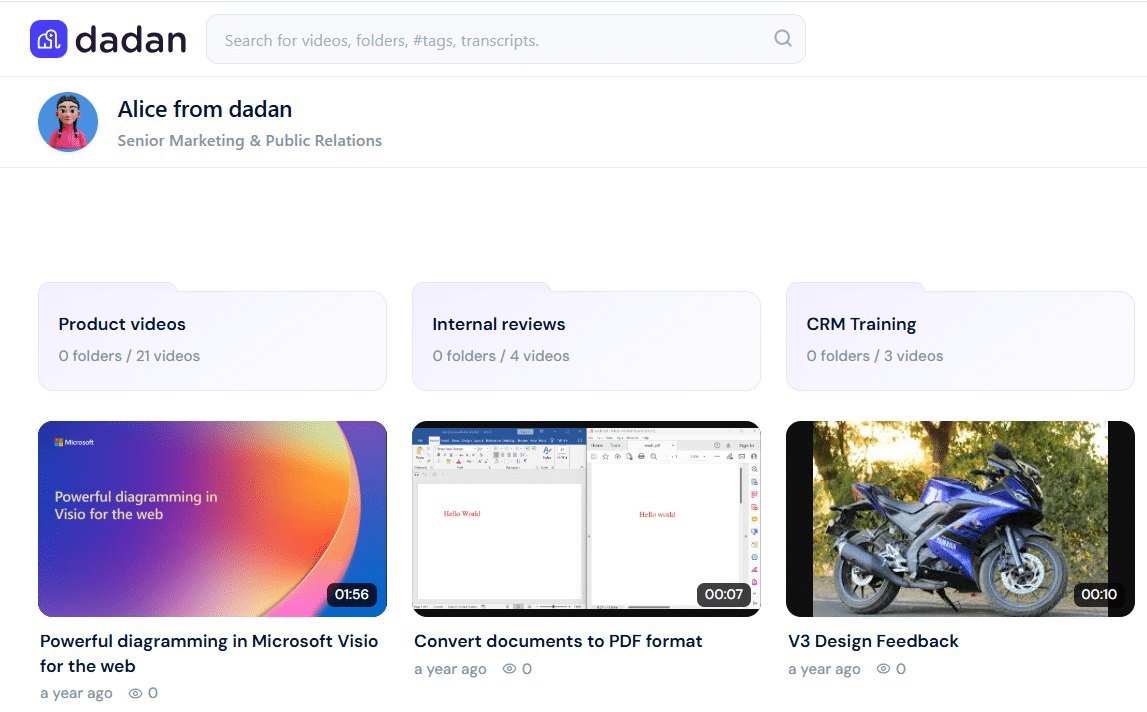
- Your folder will be viewed in your public profile:
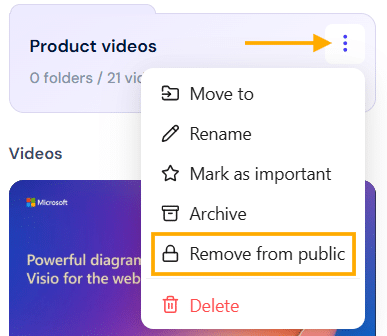
- To remove the folder from public, follow the steps above, and select the Remove from public option.
- This option is only available if the folders are already public.
Tip: Use public folders to share training resources, team updates, or product demos without needing individual permissions.


