
Dadan makes video collaboration seamless, allowing teams to communicate effectively through an online video creation platform. Whether you’re reviewing projects, providing feedback, or sharing updates, dadan’s powerful Team collaboration features help streamline your teamwork.
See also:
Understanding Personal Library vs. Team space #
Dadan offers two distinct spaces for managing your videos: Personal Library and Team space. Each is designed to fit different needs, whether you’re working individually or collaborating with a team.
- Personal Library is for individual use and lets you store, edit, and share your own videos.
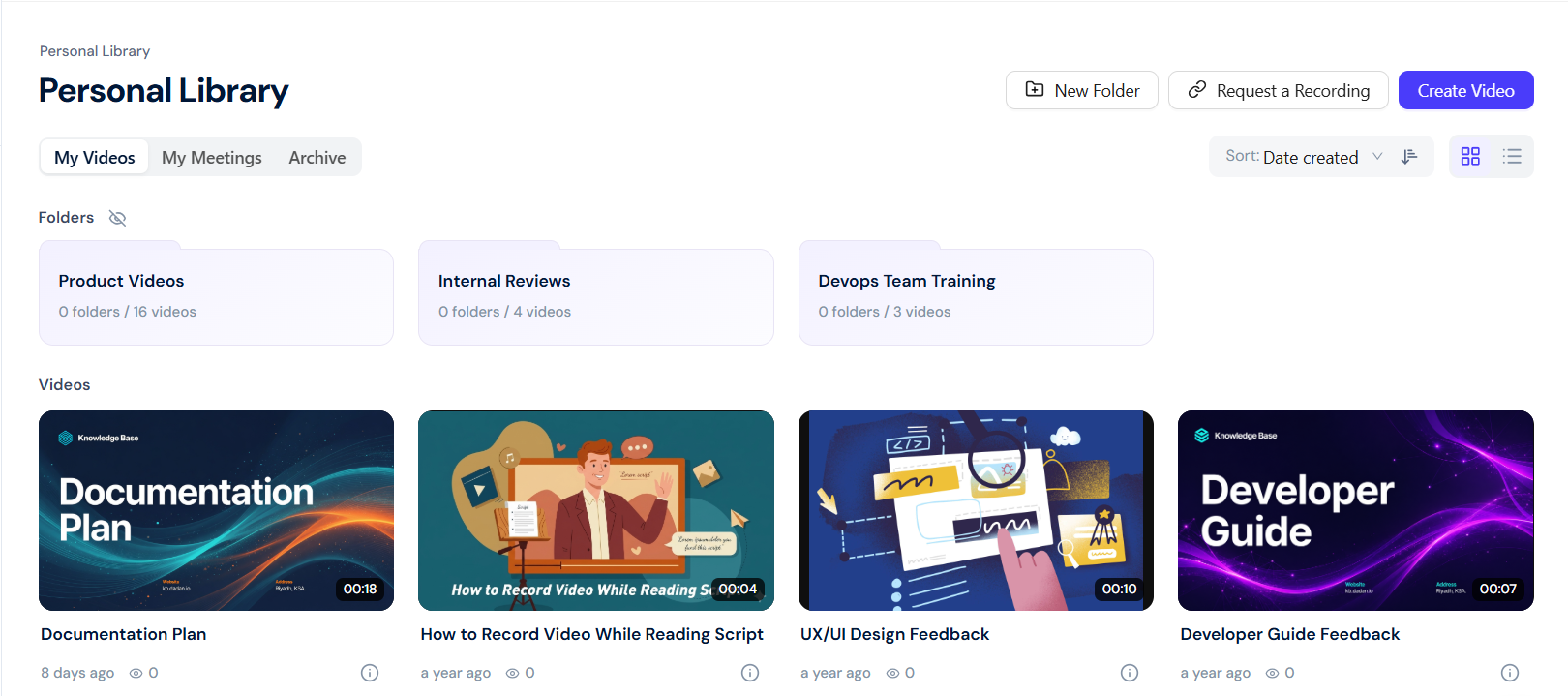
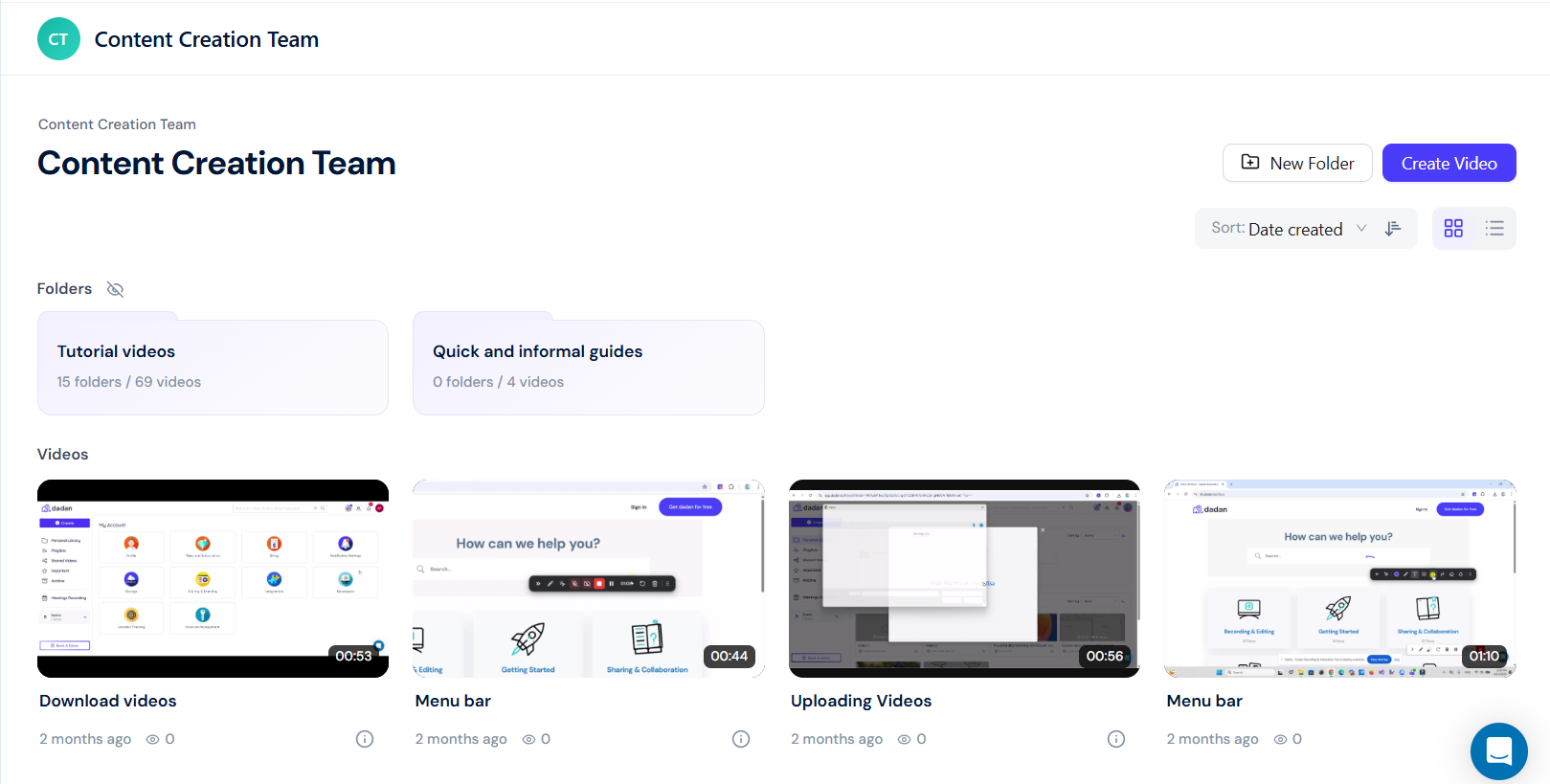
- Team space is a shared space where multiple members collaborate, comment, and manage content.
Secure content control with dadan Team Space #
Dadan Team space gives you full control over your content, allowing you to manage access, permissions, and engagement tracking, ensuring your videos are shared securely and effectively.
- Allow access to private video projects only for specific members.
- Set permissions for commenting, editing, and downloading.
- Monitor engagement to track views, interactions, and completion rates.
Why use dadan for team collaboration? #
Dadan Team space helps you with the following:
- Reduce meetings and align faster: Teams can replace unnecessary meetings with asynchronous video messages, saving up to 5 hours per week. Instead of scheduling calls, record and share your update, allowing team members to review it in their own time.
- Timestamped comments for clear, actionable feedback: Team members can leave comments at specific moments in the video, ensuring precise and easy-to-follow feedback.
- Tagged mentions to keep everyone in the loop: Tag @YourTeam directly to notify teammates, assign tasks, and collaborate efficiently within the video timeline.
- AI-powered transcriptions & meeting notes: dadan’s AI Assist automatically transcribes videos, summarizes meetings, and generates key action points, making follow-ups effortless.
- Secure and organized content management:
- Role-based access: Control who can view, edit, or comment on videos.
- Folders & Tags: Easily organize and categorize team content for quick access.
- Password-protected sharing: Keep sensitive information secure.


