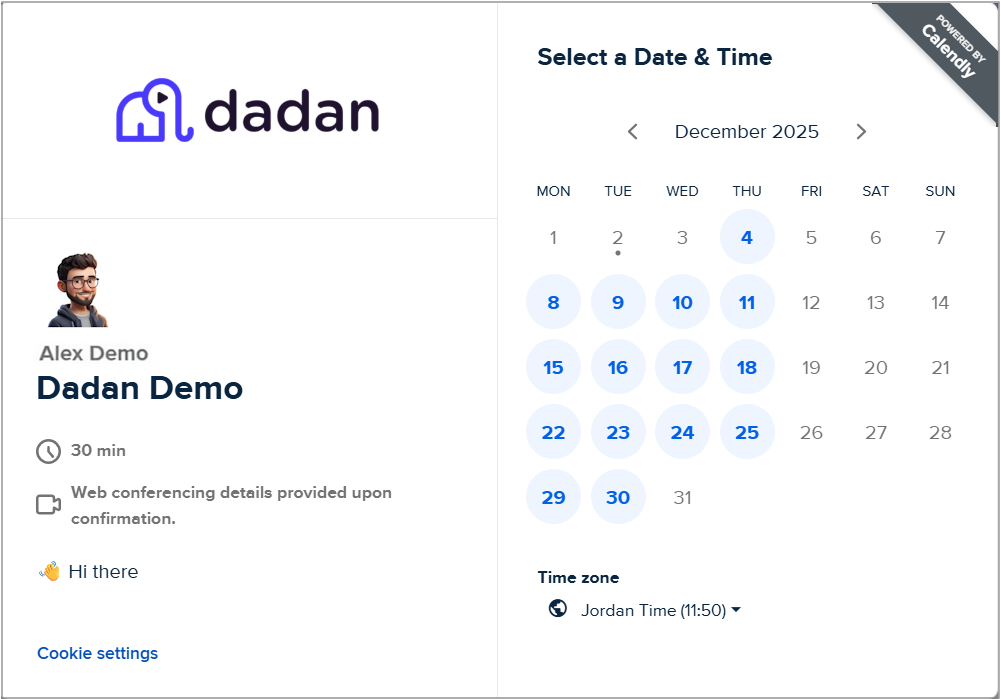
Turn your dadan videos into powerful booking machines. By connecting dadan to Calendly, you can let viewers schedule meetings with you instantly, without leaving the video. Add a Book a Meeting button that appears while they watch, link it directly to your Calendly events, and watch consultations, demos, and sales calls fill your calendar automatically.
In this guide, I will walk you through connecting your Calendly account to dadan and adding your Calendly link to the video CTA.
Connecting Calendly to dadan #
To connect dadan to Calendly, follow these steps:
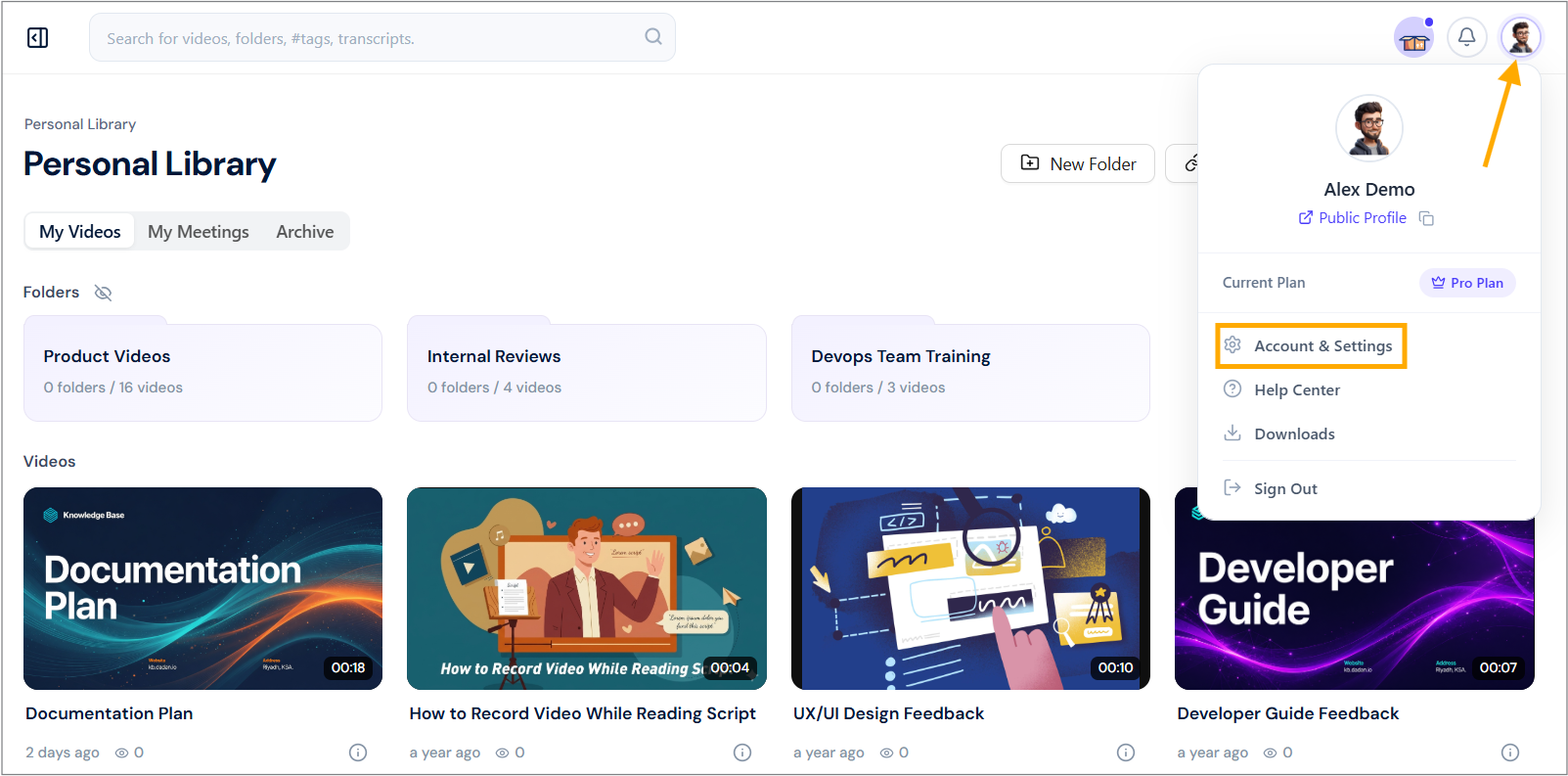
- Navigate to your dadan account and click on your profile icon in the top right corner.
- Select Account & Settings from the dropdown menu.
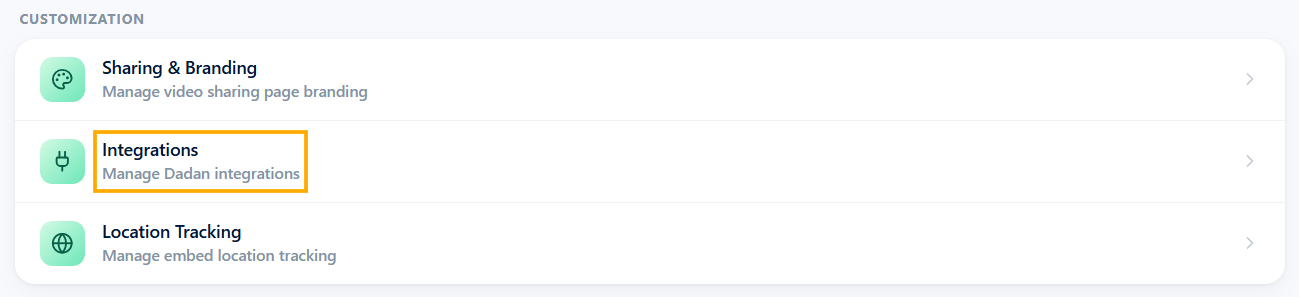
- In the Customization section, click the Integrations option.
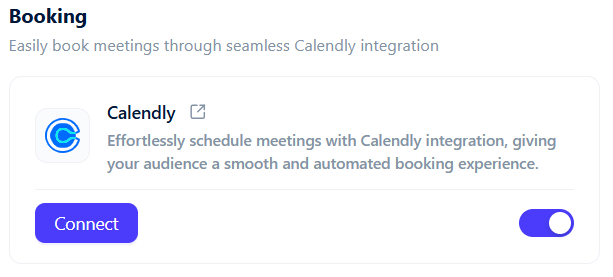
- Locate the Booking section and find the Calendly integration card. Click the Connect button on the Calendly card.
- On the Calendly authorization page, review the permissions. Click Connect to Calendly to grant access.
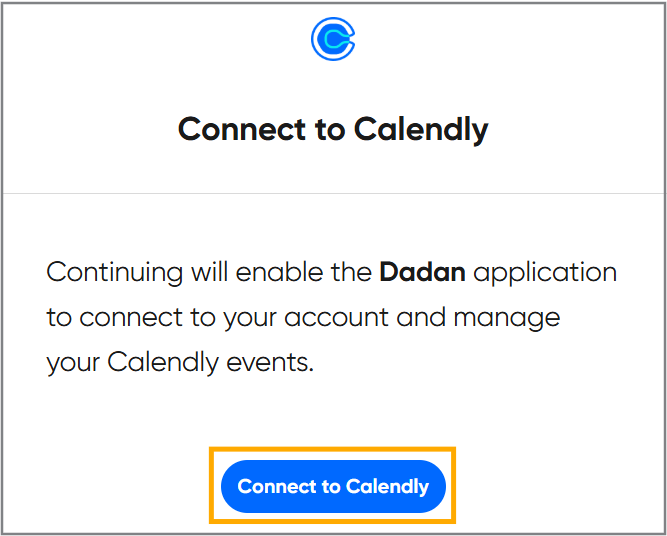
The Calendly integration will now show as Enabled (toggle on), confirming the connection is active.
Add a CTA button for Calendly in your videos #
After connecting, you can embed Calendly booking links directly into your dadan videos as interactive CTAs. This allows viewers to book meetings seamlessly while watching.
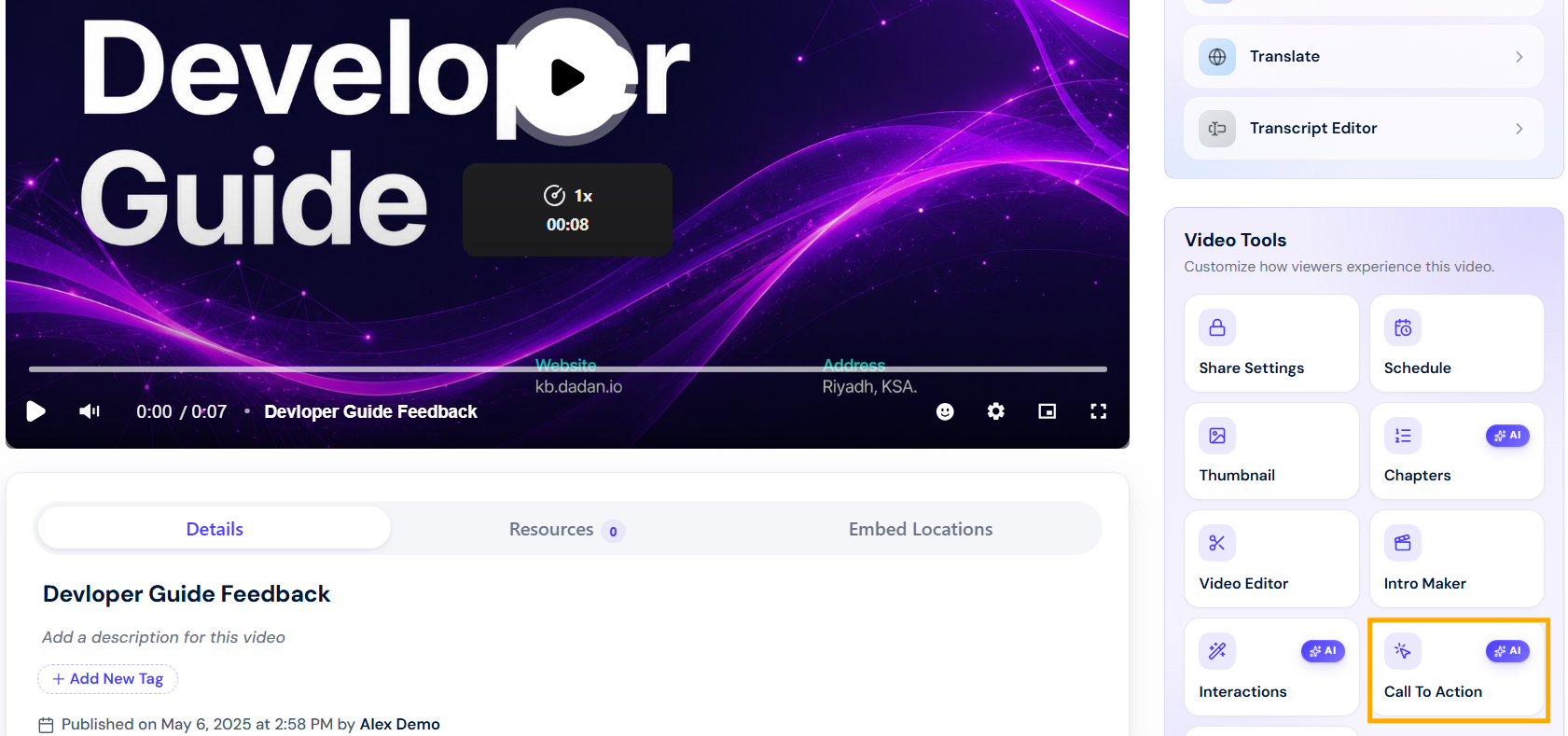
- In your dadan library, select the video you want to edit. Select the Call To Action button.
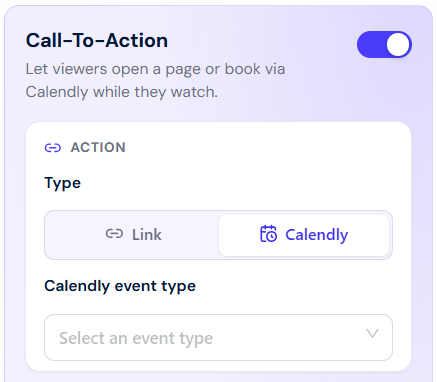
- When you enable CTA, select the Calendly type in the Action box.
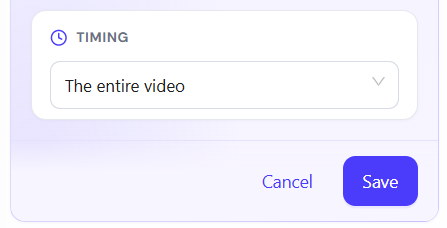
- Click Save to apply changes. (Click Cancel to discard.)
Note: To customize your CTA button, see also: Adding a call to action (CTA) to your dadan video.
Using the Calendly CTA in videos #
When viewers watch the published video, the CTA button will appear (e.g., as a Book a Meeting button in the top-right corner).
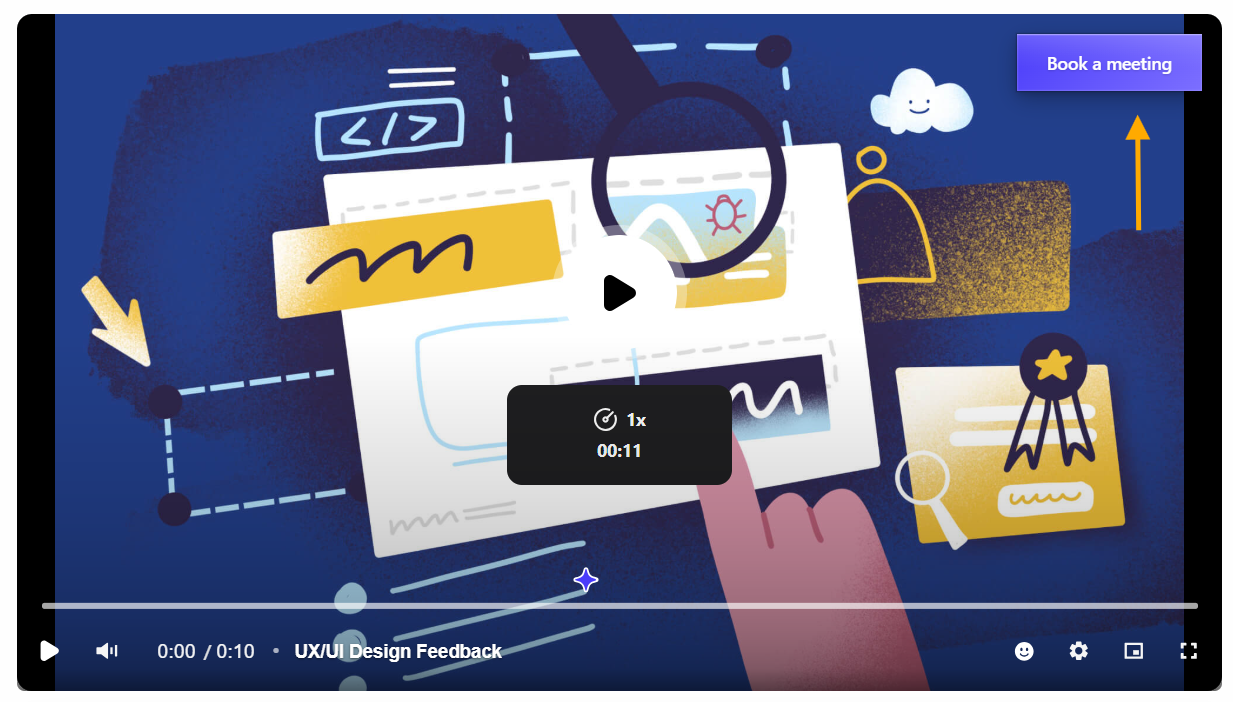
- Clicking it opens the selected Calendly booking page in a new tab, allowing instant scheduling without leaving the video experience.