
Sometimes you might need to remove the connection between dadan and your Shopify account. Whether you’re switching stores or just cleaning up integrations, this guide walks you through safely disconnecting the Shopify integration.
How to disconnect dadan with Shopify integration #
To disconnect dadan with Shopify integration, do the following steps:
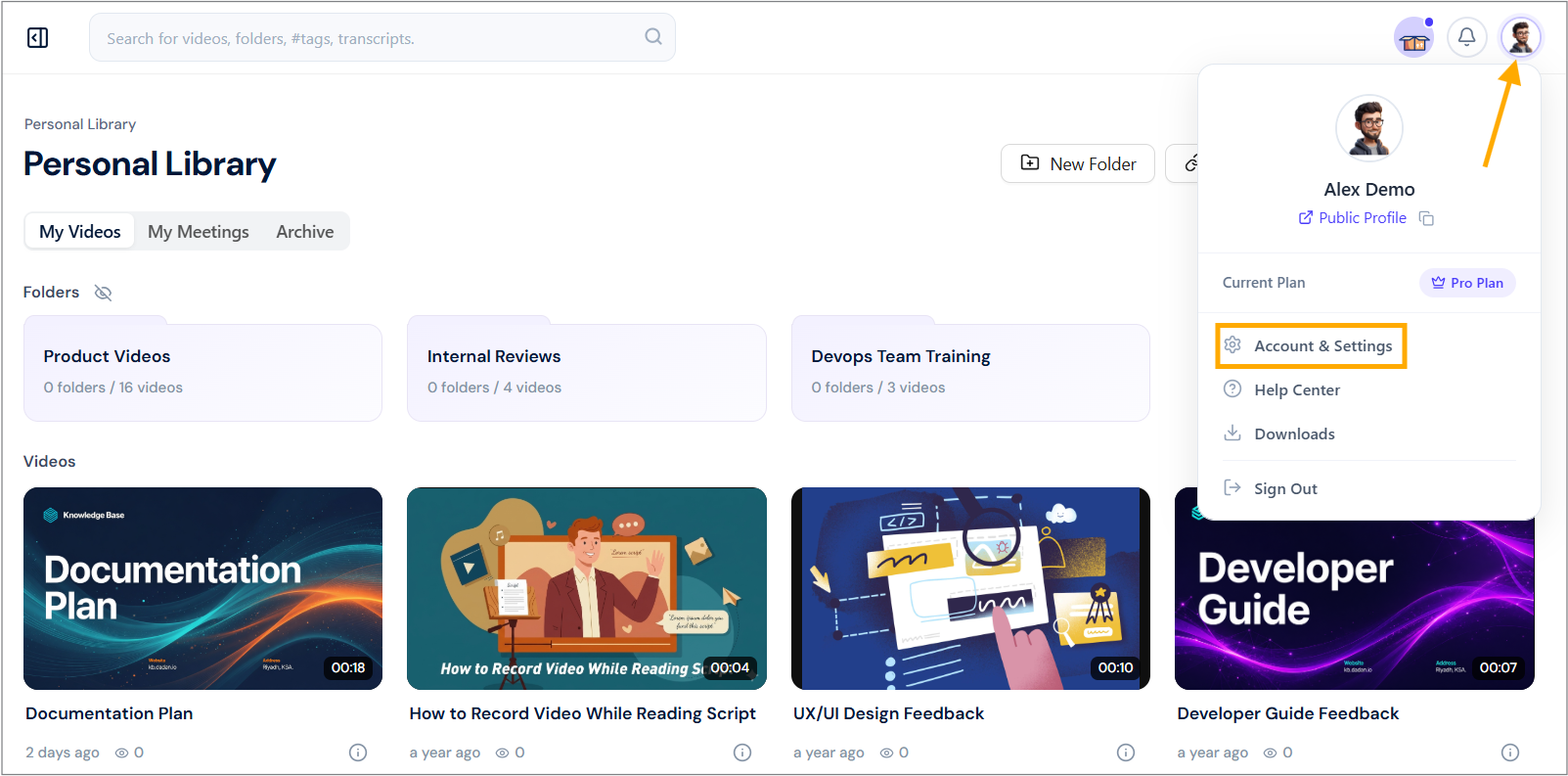
- Navigate to your dadan account and click on your profile icon in the top right corner.
- Select Account & Settings from the dropdown menu.
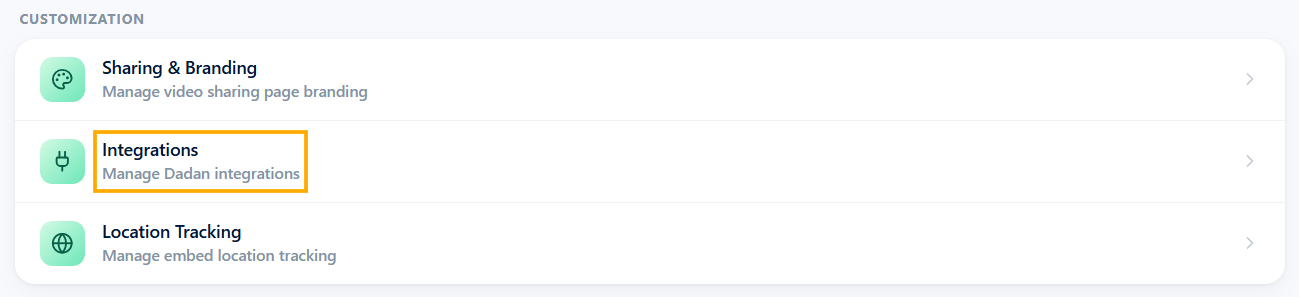
- In the Customization section, click the Integrations option.
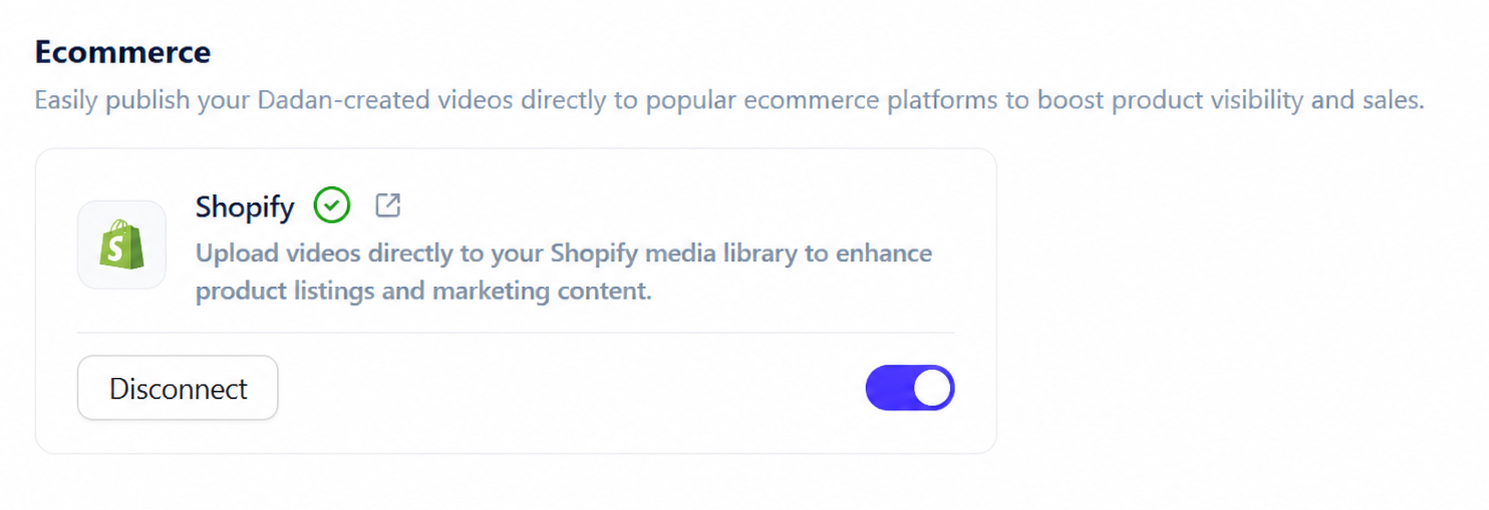
- Under the Ecommerce section, locate the Shopify integration option.
- Click Disconnect under the Shopify option.
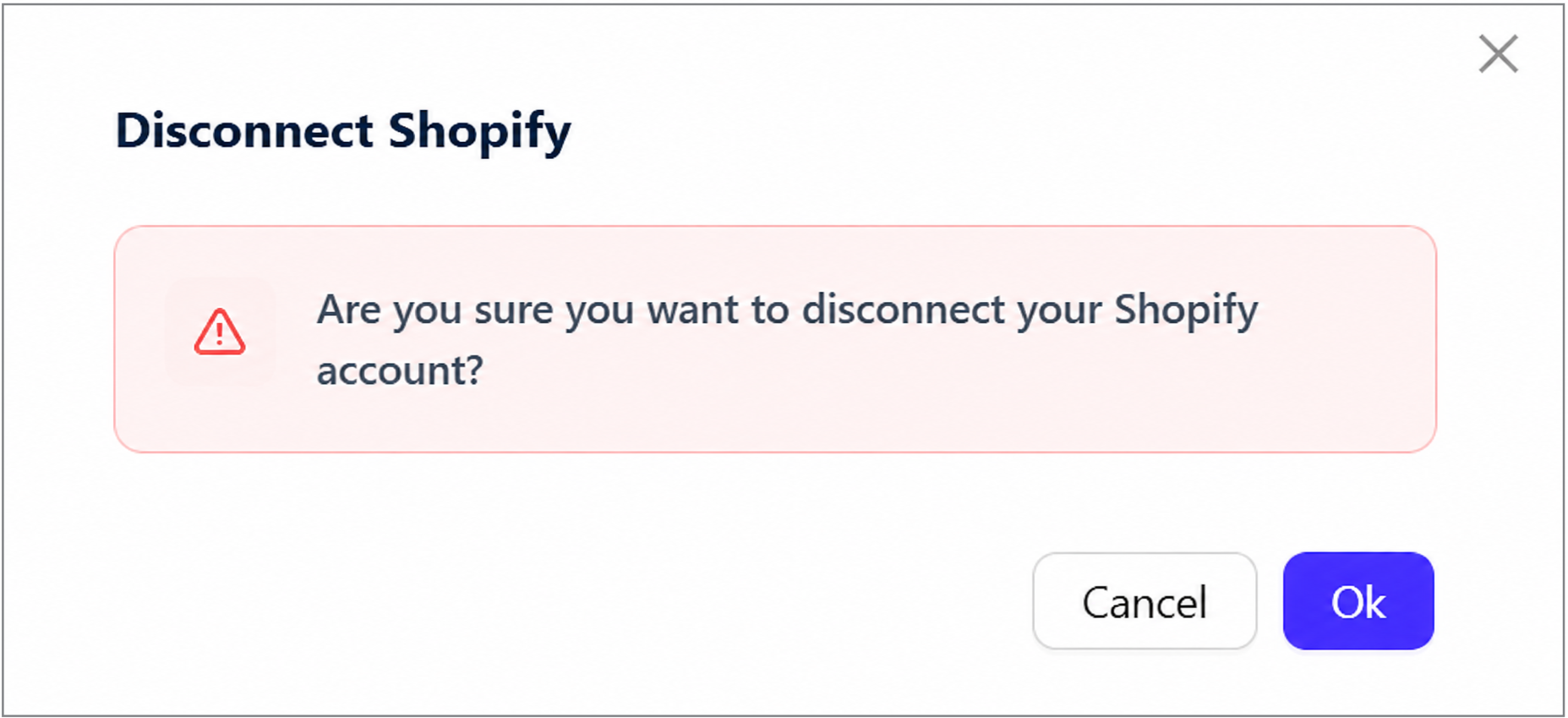
- A confirmation pop-up will ask: “Are you sure you want to disconnect your Shopify account?”
- Click Ok to confirm the disconnection.
- A message will appear confirming, “Shopify has been disconnected successfully.”


