Highlight essential videos by marking them as important. After marking a video, a Star icon will appear on its thumbnail, and it will be accessible under the Important menu’s Videos section for easy access.
Follow the steps below to mark or unmark videos as important:
- Go to the Personal Library or Team Space where the video was uploaded.
- In the Videos section, find the video and click the three-dots [⋮] icon.
- A sub-menu will appear. Click Mark as important.
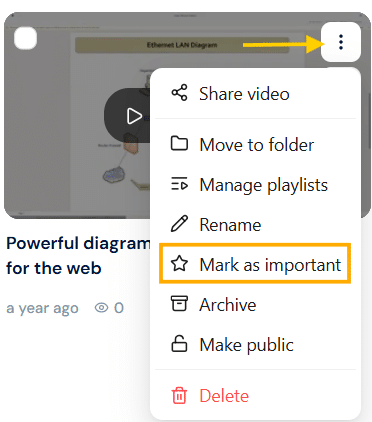
- A star icon will appear on the selected video.

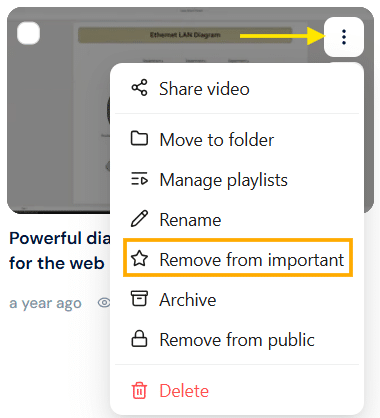
- To unmark the selected video as important, use the steps above and click Remove from important.
- This option is only available for videos that are already marked as important.